Grok integration
What is Grok?
Grok is a family of AI models from xAI, including models built for working with code.
By integrating Buddy with xAI you can add the Grok action to your pipelines and use it to review code, fix failing builds, or automate routine tasks.
Info
To use Buddy from the terminal in Grok Build, see Grok Build with Buddy.
Generating an xAI API key
To connect Buddy with xAI, you need an API key.
- Open console.x.ai and sign in.
Image loading...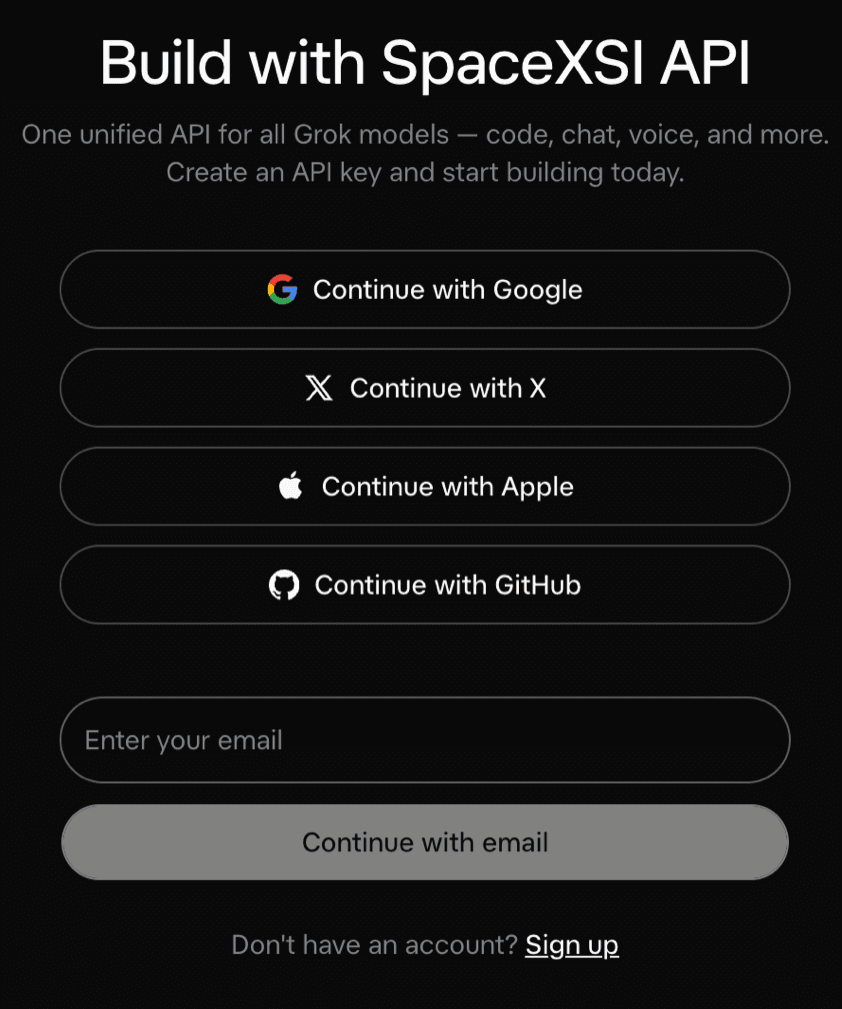
- If you sign in with X, authorize the xAI app to access your account.
Image loading...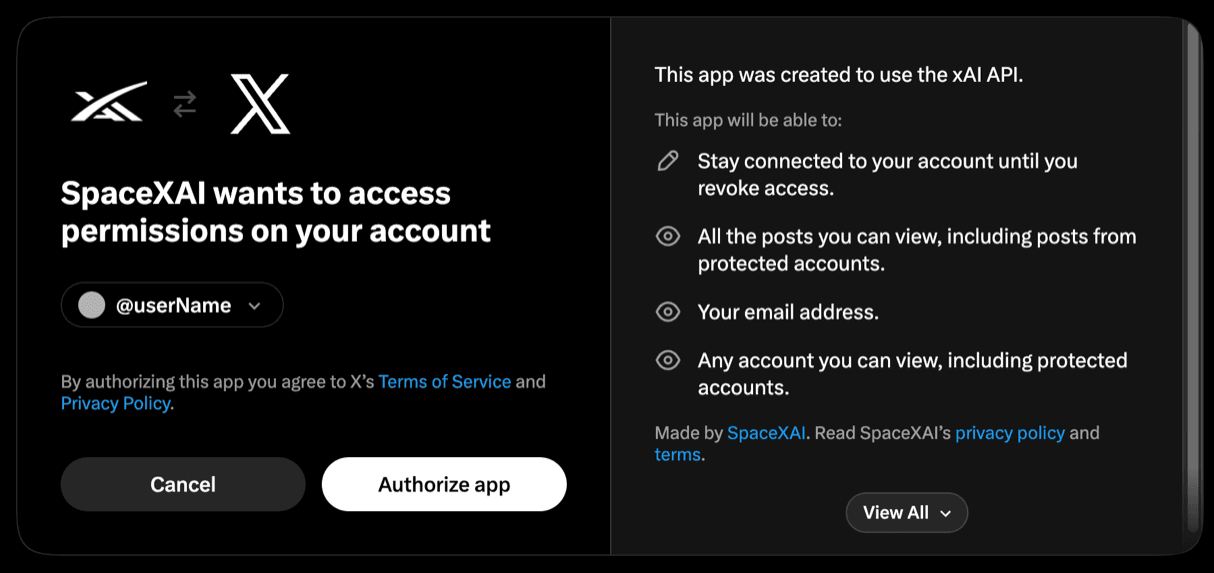
- On first sign-in, create a team. API keys and credits belong to the team.
Image loading...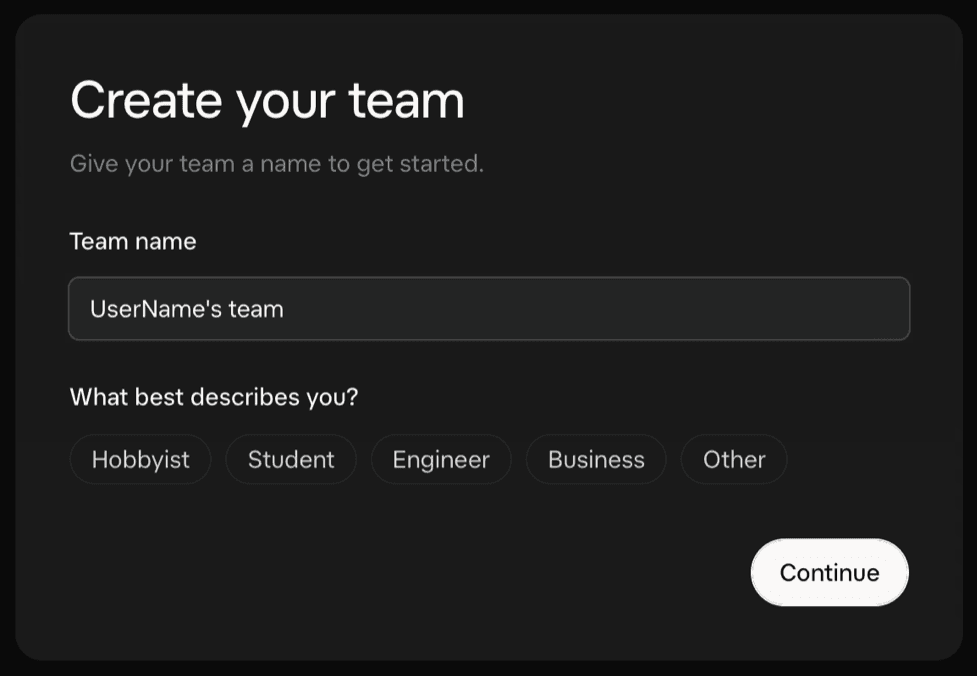
- Select a plan with API access and set up billing.
Image loading...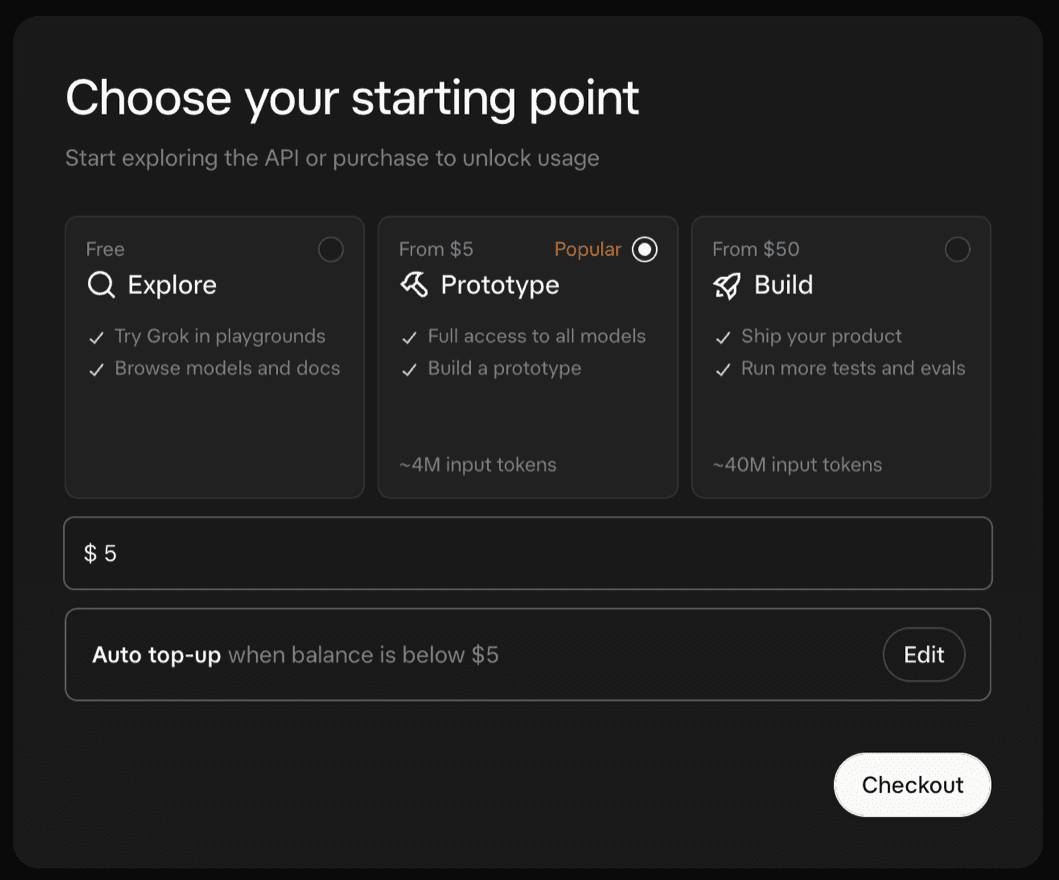
- Go to API keys and click Create API key.
Image loading...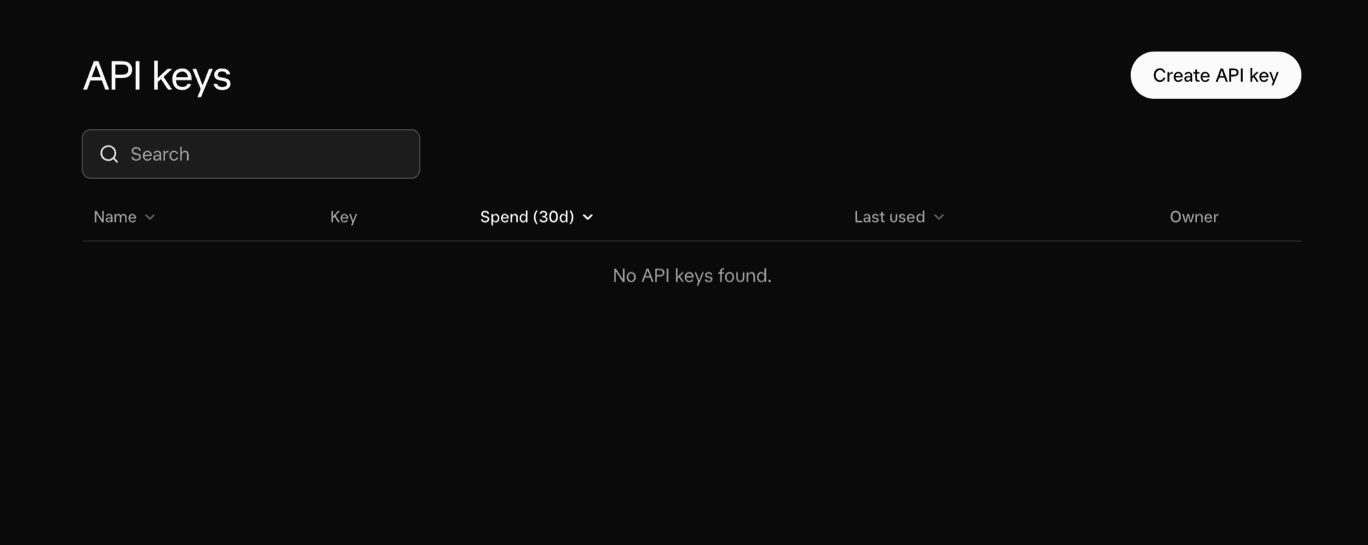
- Copy the generated key - the console shows it only once. The key is required when adding the integration in Buddy.
Setting up Grok integration
In Buddy, go to the Integrations tab and click New integration.
Search for and select Grok.
Image loading...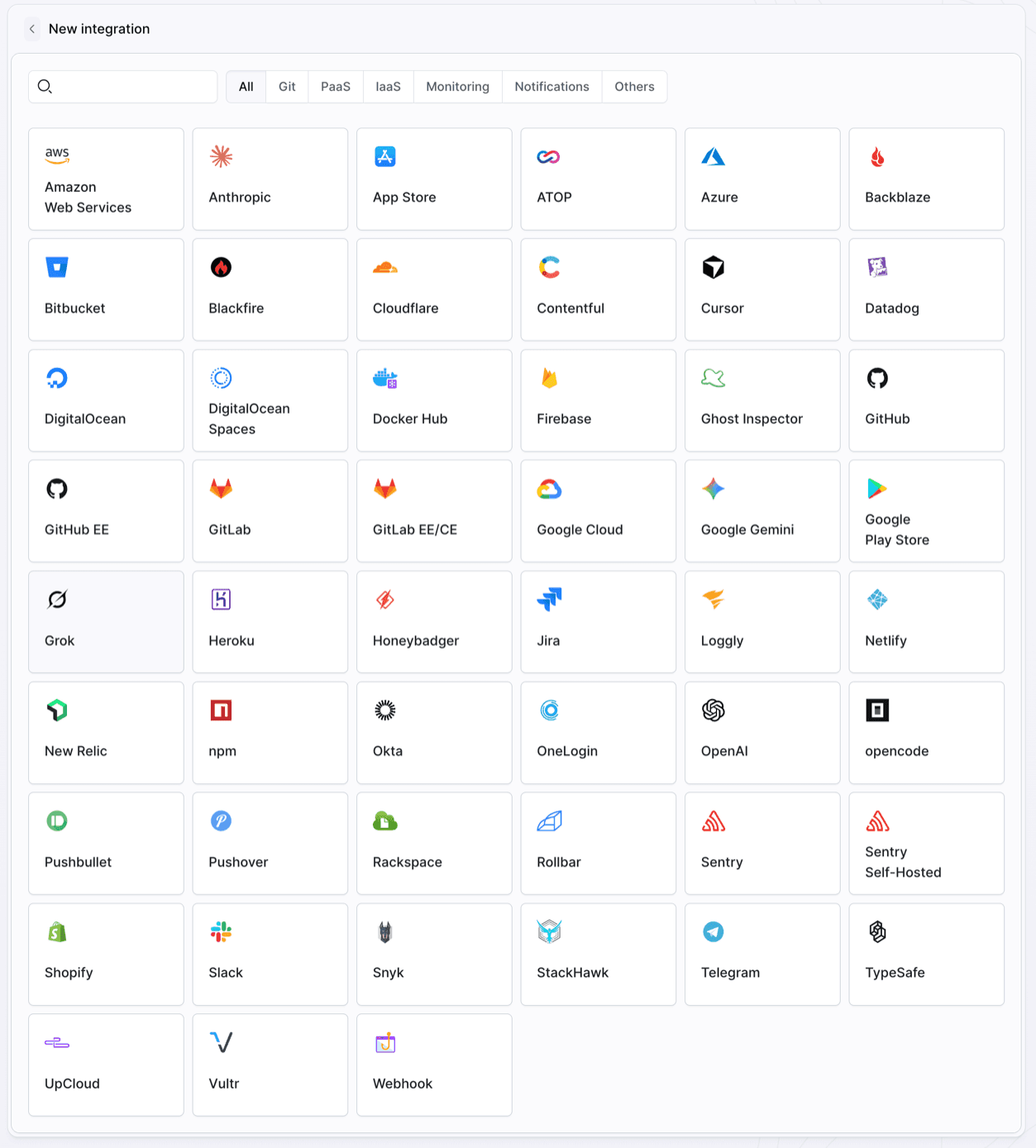
- Fill in the configuration form:
- Name and ID - the integration name and identifier
- Scope - whether the integration is available across the whole Workspace, a single Project, or a specific Environment
- API key - the key generated in the xAI console
Info
You can configure who can use the integration and where it is available in the Permissions tab.
- Click Add a new integration to save the configuration.
Image loading...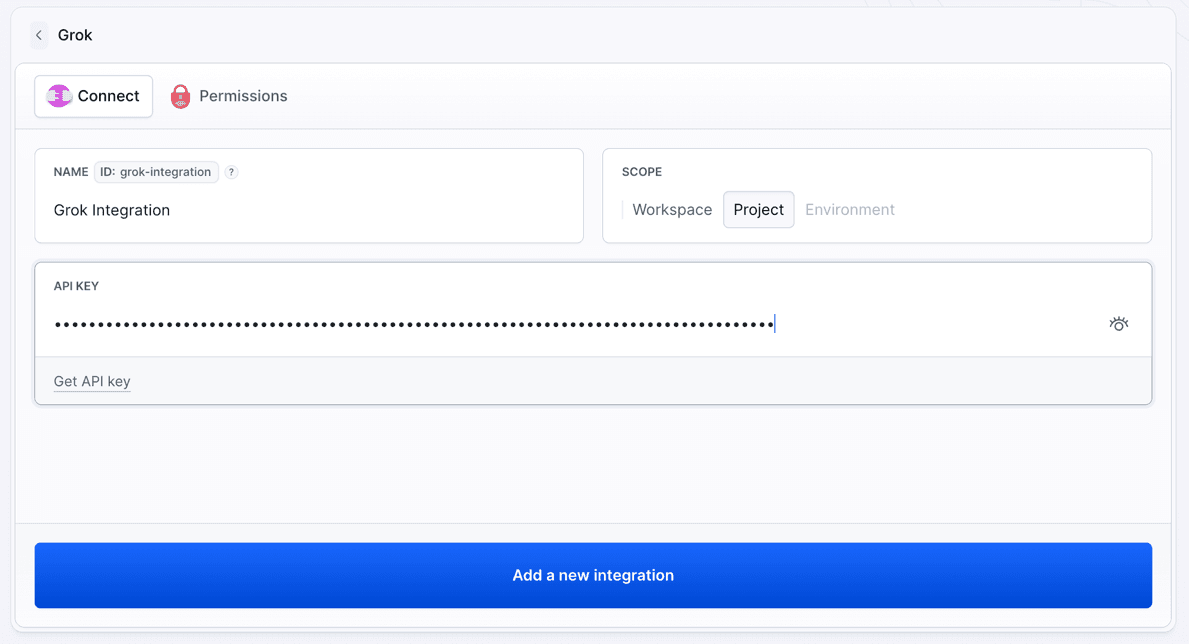
Buddy stores the key as an encrypted secret and passes it to the action at runtime. The key is not stored in your repository.
Warning
xAI API usage is billed per use and charged to the team balance. Create a dedicated key per integration so you can revoke it without affecting other projects, and keep the integration Scope as narrow as the projects or environments that need it.
Running Grok in a pipeline
Once the integration is saved, add the Grok action to a pipeline and select the integration.
Info
Read how to configure Grok with YAML and Grok POST parameters.
Last modified on Oct 15, 2026