Anthropic integration
What is Anthropic?
Anthropic is the AI company behind Claude, a family of large language models, and Claude Code, an agentic coding assistant that can read, write, and refactor code from natural-language prompts.
By integrating Buddy with Anthropic you can add the Claude Code action to your pipelines and let Claude review code, generate changes, or automate routine engineering tasks on every push, on a schedule, or on demand.
Setting up Anthropic integration
Go to the Integrations tab and click New integration.
Look up and click Anthropic.
A configuration window will show up. Here you provide:
- Name and ID of the integration
- Scope - whether the integration is available across the whole Workspace, a single Project, or a specific Environment
- Authorization method - either an API key or a Claude Code token (see below)
- Once done, click Add a new integration to finish configuration.
Authorization
The Anthropic integration supports two authorization methods. Pick the one that matches how you obtain credentials.
API key
Authorize with a standard Anthropic API key. This is the default option.
Image loading...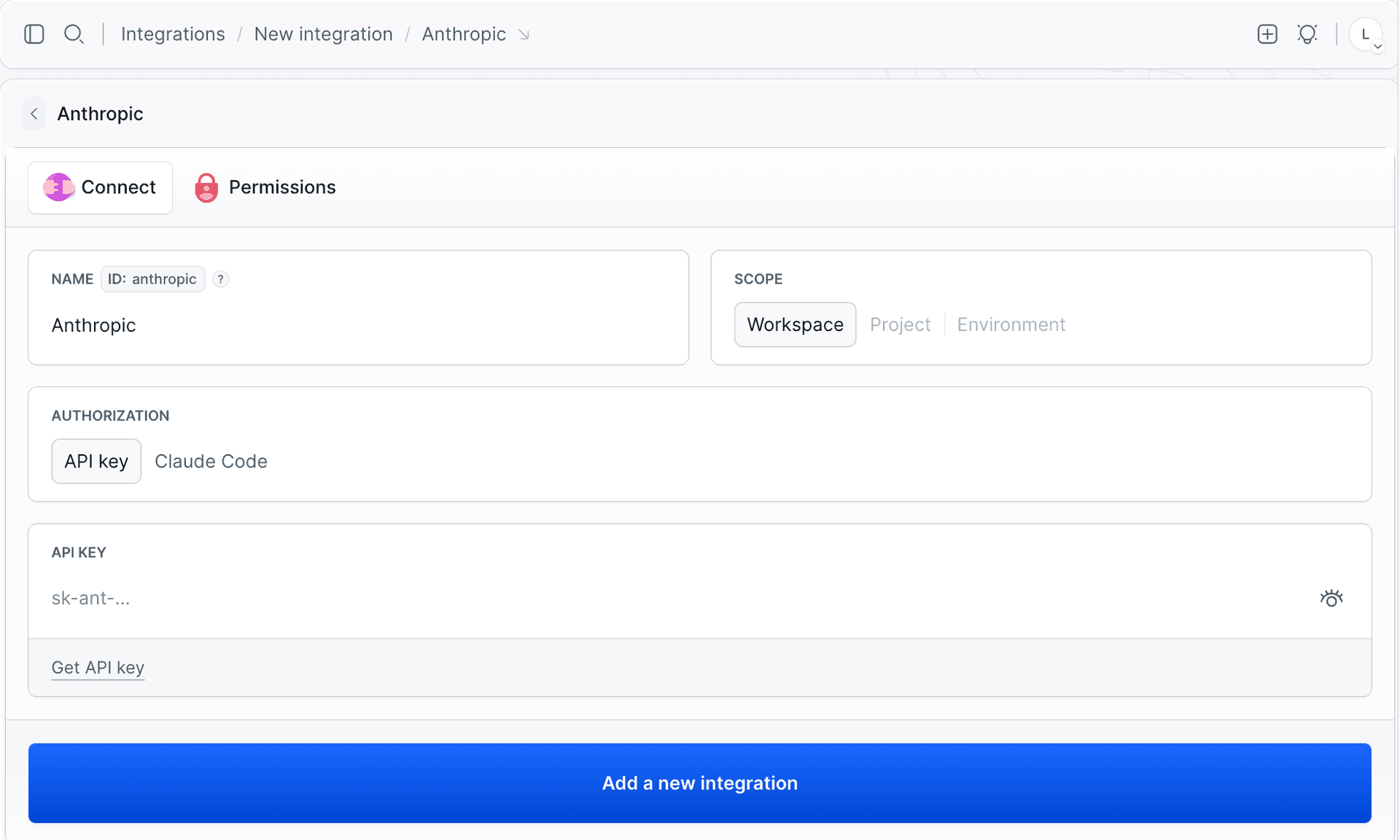
To obtain the key:
- Go to https://console.anthropic.com/settings/keys (also linked as Get API key in the form).
- Create a new key and copy its value.
- Paste it into the API KEY field - the value always starts with
sk-ant-.
Claude Code token
Authorize with a token generated by the Claude Code CLI. Use this option when you sign in through a Claude subscription rather than a console API key.
Image loading...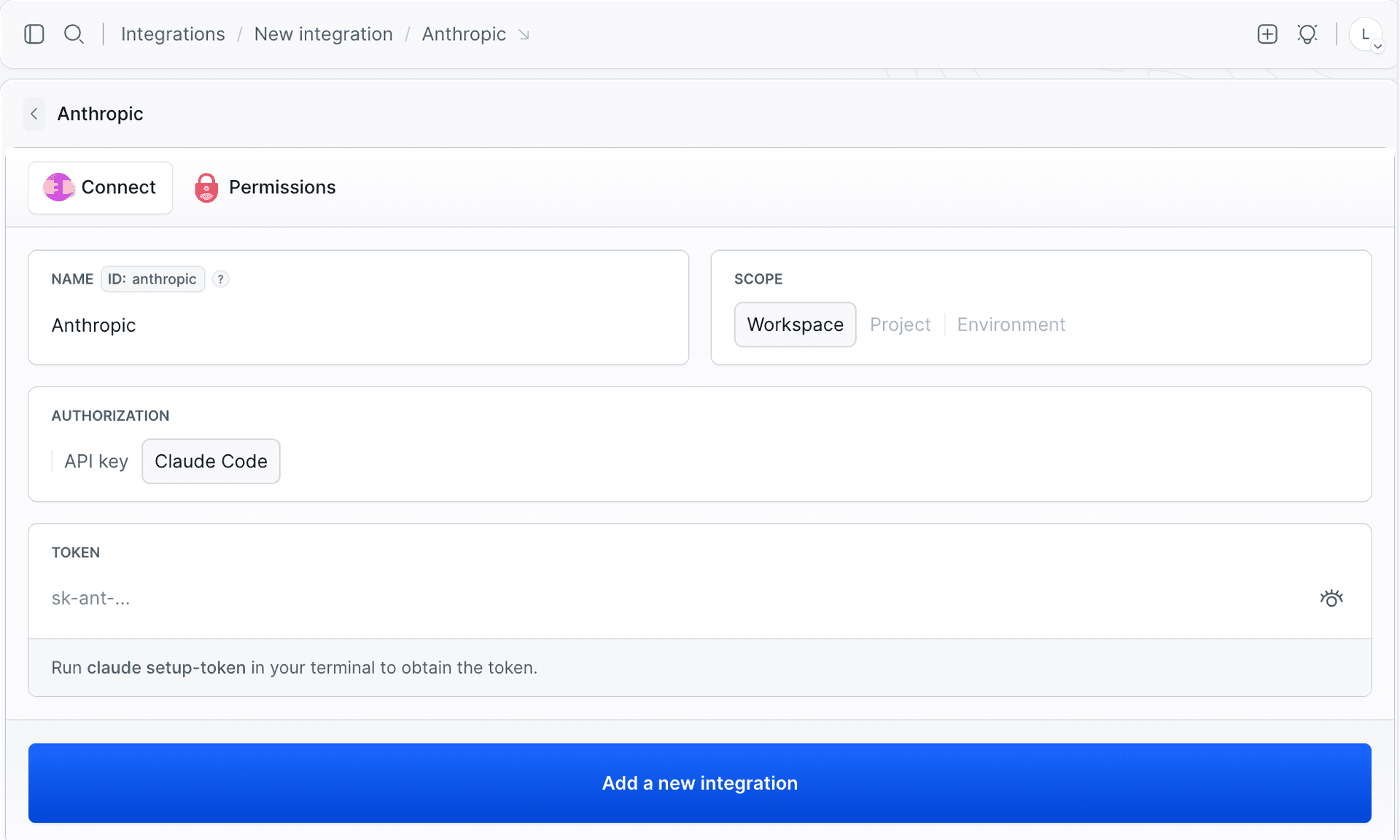
To obtain the token:
- Run
claude setup-tokenin your terminal. - Copy the generated token.
- Paste it into the TOKEN field.
Once the integration is added, you can use the Claude Code action in your pipeline and reference the integration by its ID.
Last modified on Aug 10, 2026