Getting started
Visual Tests catch UI regressions that functional tests can't see. A functional test asserts that a button exists and can be clicked - it says nothing about the button rendering off-screen, a CSS refactor shifting the layout, or a font update breaking line wrapping. Visual Tests work on the rendered pixels: they capture snapshots of your app, compare them with a previously approved version, and report every visual difference for review.
Typical regressions caught by visual testing:
- Layout shifts - elements moving or overlapping after a CSS or dependency change
- Style drift - colors, fonts, spacing, or shadows changing unintentionally
- Missing elements - components that silently stop rendering
- Responsive breakage - views that look fine on desktop but break on tablet or mobile resolutions
How it works
- You group your visual tests into suites. A suite defines what to render (browsers, systems, device resolutions) and how to compare (baseline branch, diff threshold).
- Every time you test a version of your app, a session is created in the suite. A session contains all snapshots captured during that run.
- If a session introduces new views or changes to existing ones, it waits for approval. You review the diffs and approve or reject them.
- Subsequent sessions are compared against the previously approved snapshots - so once you approve a change, it becomes the new reference.
This loop gives you a quick, reliable answer to one question: does my version introduce any unintended visual changes? If the session comes back clean, it does not. If it doesn't come back clean, you see exactly what changed, where, and on which devices.
See Sessions, Snapshots & Baselines for the details of how the reference version is determined.
Creating your first suite
- In the project sidebar, go to TEST → Visual Tests
- Click Add suite...
- Follow the onboarding for your framework of choice
Image loading...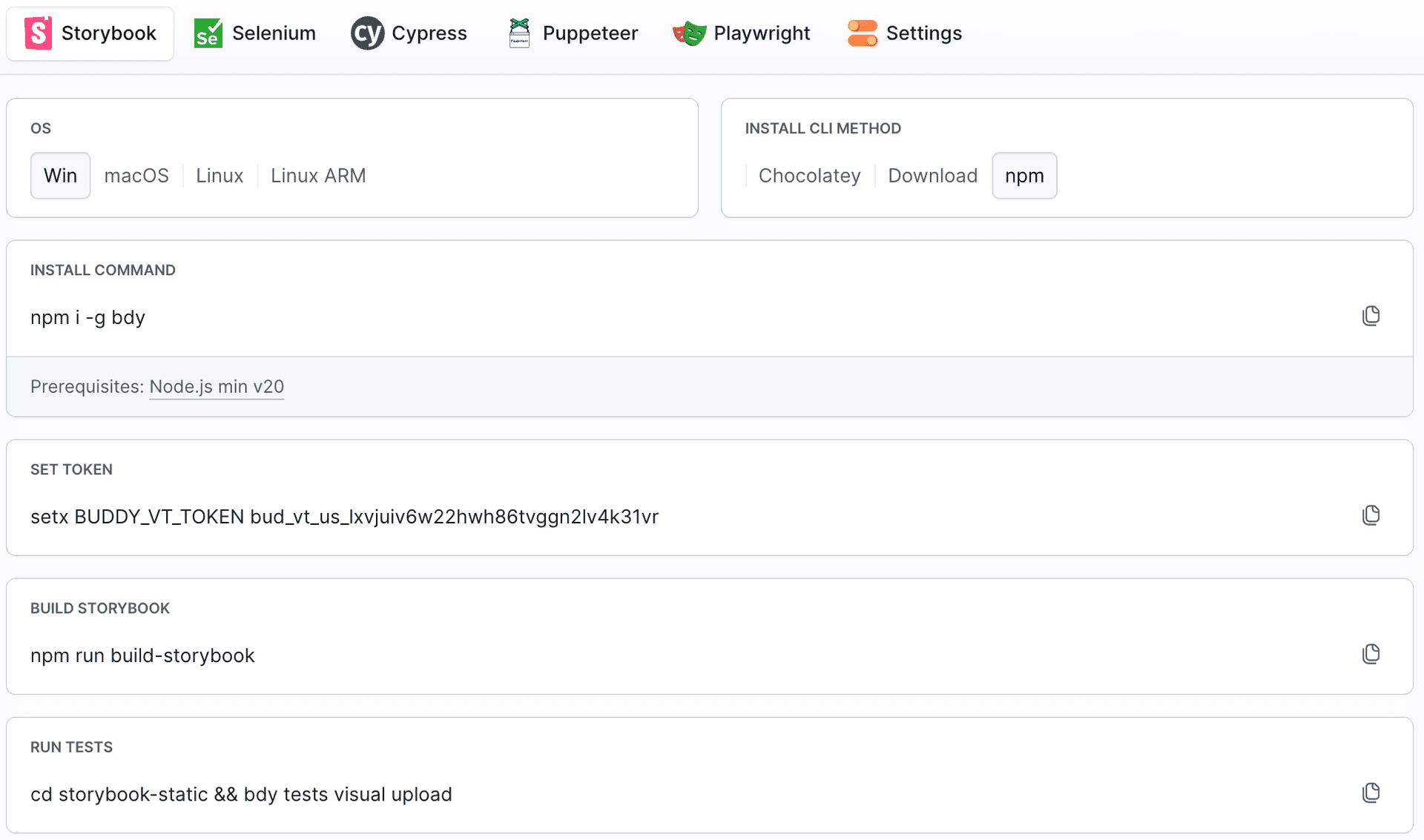
Choose how to capture snapshots
There are three ways to feed snapshots into a suite - pick whichever fits your setup:
| Approach | Best for | Guide |
|---|---|---|
| E2E test plugins | Teams with existing Playwright, Selenium, Cypress, or Puppeteer tests | E2E frameworks |
| Storybook | Component libraries and design systems - no plugin needed | Storybook |
| Scriptless testing | Snapshotting live pages by URL or sitemap - no test code at all | Scriptless Testing |
Once snapshots are flowing, wire the suite into your CI: Buddy Pipelines, GitHub Actions, or your local machine.
Last modified on Jul 13, 2026