Introduction
Image loading...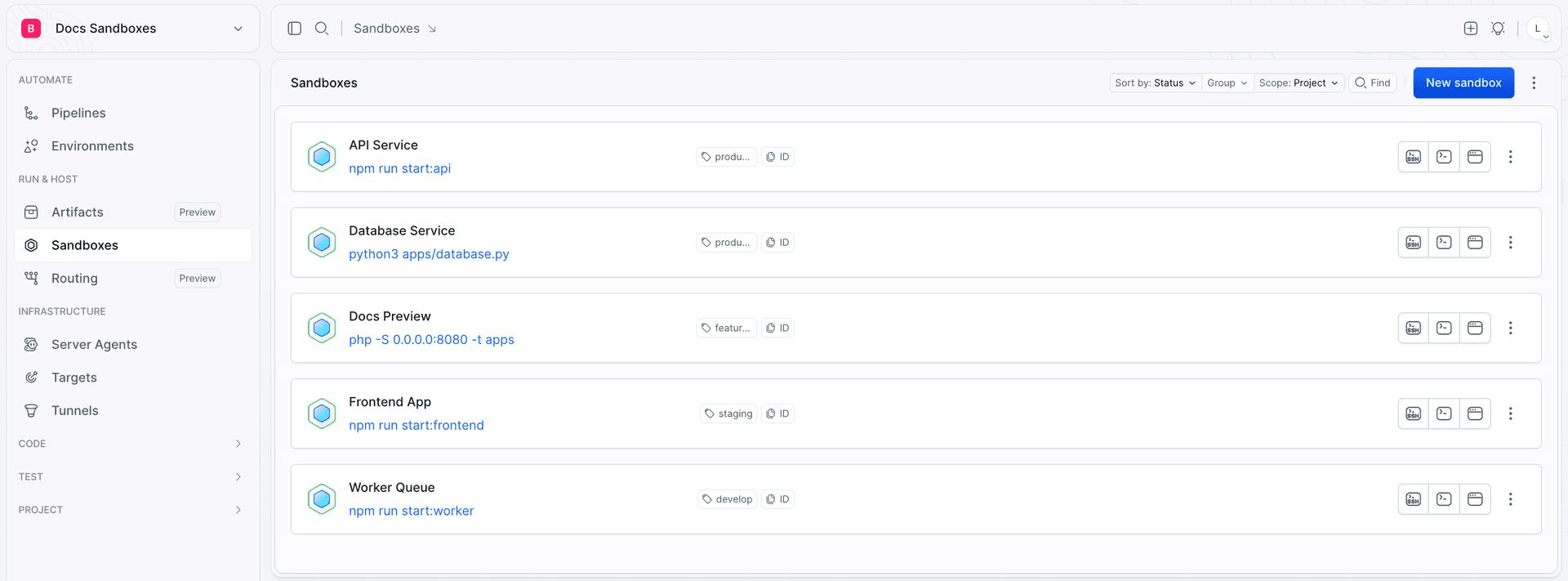
A Sandbox is an isolated Linux machine that runs in Buddy's cloud. It has its own operating system, CPU and RAM allocation, a persistent disk, applications, and public endpoints - and it boots in milliseconds.
A persistent machine, not a container
This is the single most important thing to know about Sandboxes: a Sandbox behaves like a virtual machine you own, not like a throwaway container.
- The disk survives. Stop a Sandbox, come back a week later, start it again - your files, installed packages, and configuration are exactly where you left them.
- You have
sudo. Install any package, add system users, change kernel parameters, run Docker inside it. - Anything a Linux box can do, a Sandbox can do - including mounting external storage such as an S3 bucket and running background daemons.
Because state is durable by default, you never manage volumes or external caches just to keep your work between sessions.
What's inside
| Spec | Detail |
|---|---|
| Operating system | Ubuntu 22.04 LTS or Ubuntu 24.04 LTS |
| Permissions | The buddy user, with passwordless sudo |
| Disk | 50 GB, persistent across restarts |
| Resources | From 1 CPU / 2 GB RAM up to 12 CPU / 24 GB RAM |
| Preinstalled tools | node with npm, docker, go, python3 with pip3, git, curl, wget, jq, rsync, ripgrep, unzip, nano, make, gcc, and the Buddy CLI (bdy) - full list with versions in What's in a Sandbox |
| AI agents | Claude Code preinstalled, ready to start the moment you connect |
Git author identity is configured automatically: user.name and user.email are set to the name and email of the user who created the Sandbox, so commits work without any setup.
Persistence
The disk survives. Memory does not - running processes are terminated when the Sandbox stops, and apps are started again when it comes back up. See Lifecycle.
When to use a Sandbox
- Preview environments - one Sandbox per branch or pull request, with a public URL your team and clients can open.
- Workspaces for AI agents - a clean, isolated machine where an agent can install, build, run, and break things without touching your laptop or your production systems.
- Ephemeral test environments - spin up a full environment for a test suite, then throw it away.
- Remote development - reachable over SSH from your IDE.
- Hosting an application - a Sandbox has no timeout unless you set one, so it simply keeps running. Point a custom domain at it and it serves traffic like any other machine.
Ways to manage a Sandbox
Everything below operates on the same Sandbox - pick whichever fits the job.
| Channel | Use it for | Reference |
|---|---|---|
| Web UI | Clicking through settings, terminal, logs, permissions | This section |
| CLI | Everyday work from your terminal | CLI |
this | Editing a Sandbox from the inside | Self-management |
| SDK | Driving Sandboxes from TypeScript code | SDK |
| REST API | Any language, any automation | API reference |
| YAML | Versioning the Sandbox definition in your repository | YAML reference |
| Pipelines | Creating and managing Sandboxes as part of CI/CD | Sandboxes in pipelines |
| MCP | Letting an AI agent operate Sandboxes for you | AI agents |
Next
Last modified on Oct 7, 2026