TypeSafe integration
What is TypeSafe?
TypeSafe is the company behind Jev, a model that returns a typed answer to a single question. You define the possible answers in advance as a scale, a list of options, or a boolean. Jev returns one result together with a confidence value.
Jev serves a different purpose than a coding agent. Claude Code, Codex, and OpenCode can inspect repositories, run commands, and generate prose or code. Jev instead evaluates the context provided to it and returns a typed result. Because the output is typed, it can be used directly in trigger conditions without parsing free-form text.
By integrating Buddy with TypeSafe you can add the Jev action to your pipelines and turn a commit message, a changelog, or any file from the run into a decision the next action can branch on.
Setting up TypeSafe integration
Go to the Integrations tab and click New integration.
Look up and click TypeSafe.
A configuration window will show up. Here you provide:
- Name and ID of the integration
- Scope - whether the integration is available across the whole Workspace, a single Project, or a specific Environment
- API key from your TypeSafe account (see below)
Image loading...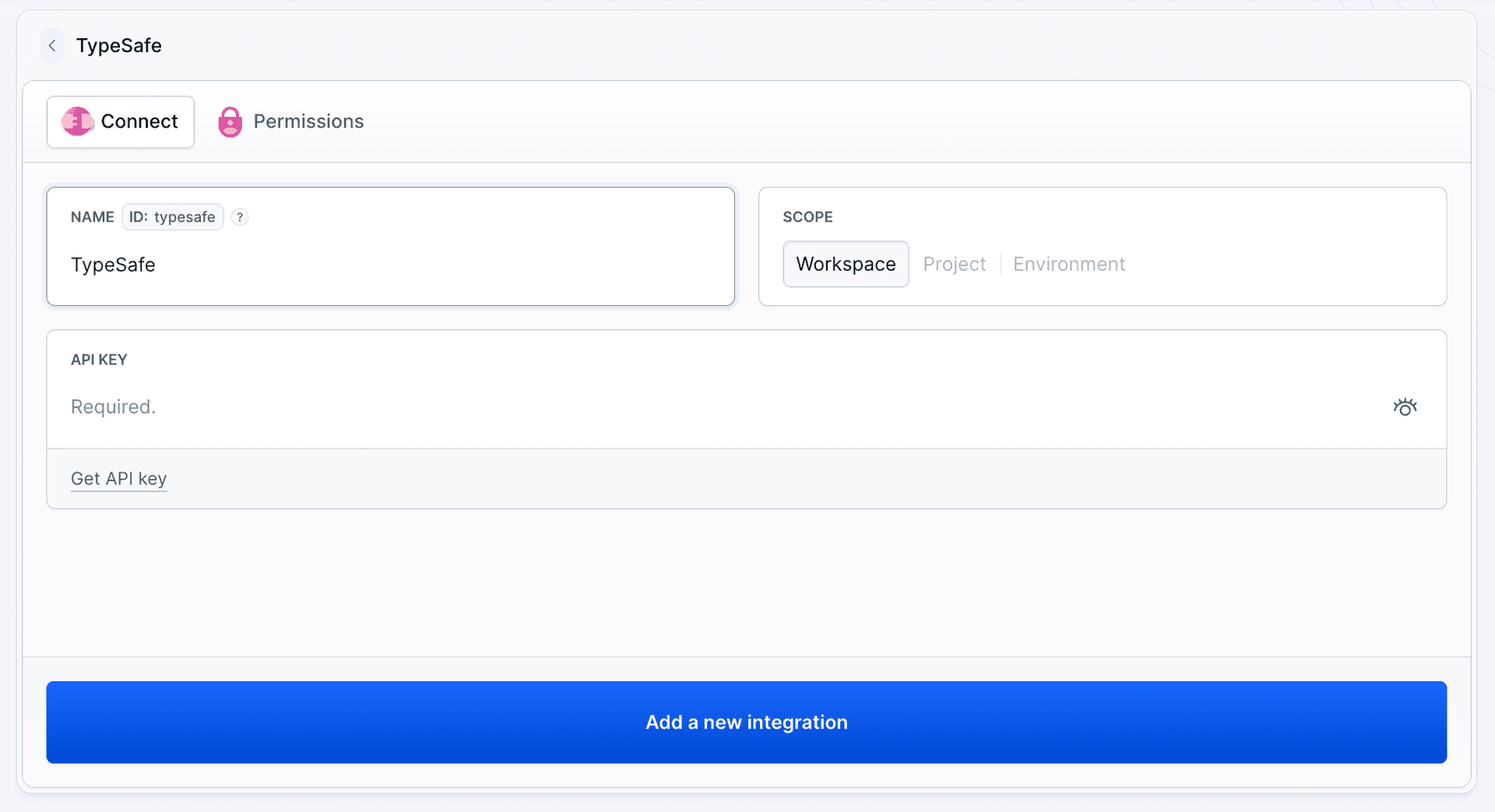
- Once done, click Add a new integration to finish configuration.
Authorization
The integration authorizes with a TypeSafe API key. To obtain one:
- Click Get API key under the field, or sign in to your TypeSafe account and open API Keys in the sidebar.
Image loading...
- Click Create key, give it a name that tells you where it is used, and confirm.
Image loading...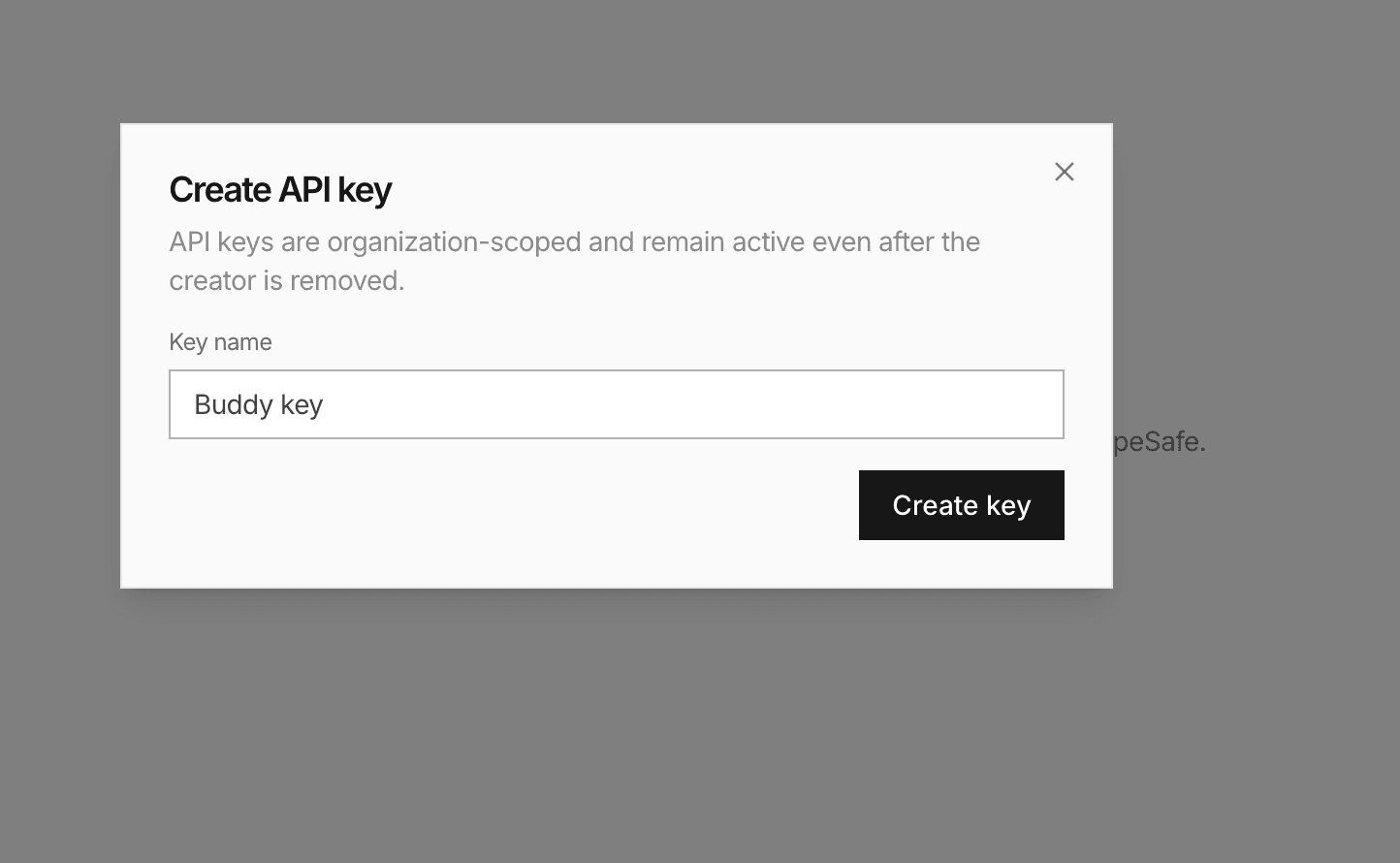
- Copy the value and paste it into the API KEY field in Buddy.
Image loading...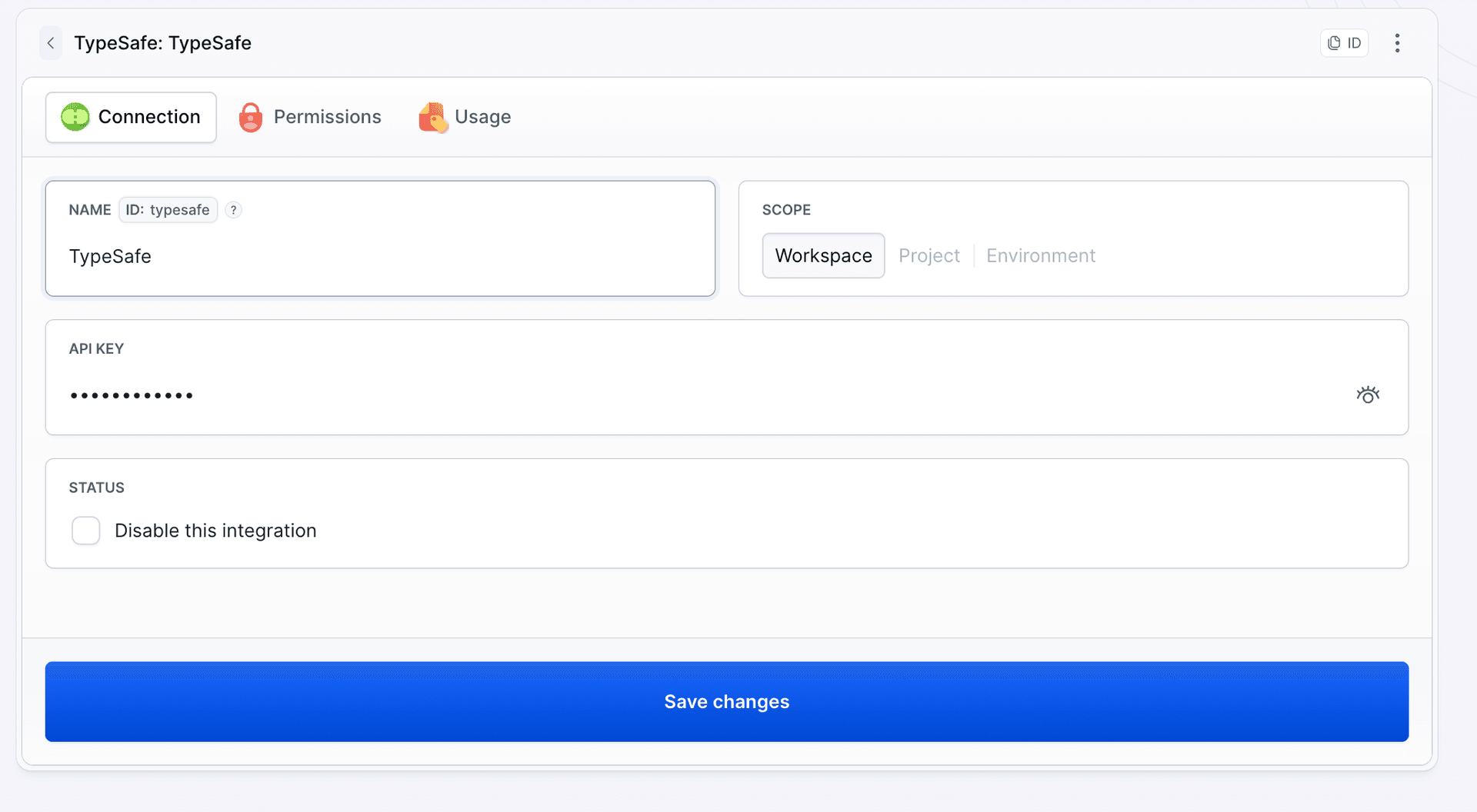
Once the integration is added, you can use the Jev action in your pipeline and reference the integration by its ID.
Anatomy of a Jev action
Every Jev action has three parts:
- State - the input Jev evaluates. Each entry can be inline text, with variables expanded at runtime, or
file: <path>, which reads a file from the pipeline filesystem. The file can come from the repository or from a previous action. - Question - the single question Jev should answer about the provided state.
- Question type - the expected answer format:
SCORE,CHOICE, orBOOLEAN. The selected type determines which configuration fields are available and which output variables are produced.
yaml- action: "Assess deployment risk"
  type: "JEV"
  integration: "typesafe"
  state:
    - "Commit: $BUDDY_RUN_COMMIT_MESSAGE"
    - file: "CHANGELOG.md"
  question: "How risky is this change to deploy?"
  question_type: "SCORE"
  criteria:
    none: "Touches only documentation or comments"
    low: "Touches application code covered by tests"
    high: "Touches database migrations or public API contracts"
The optional model field pins a Jev version (for example jev-1.13.0). Leave it out to use jev-latest.
Choosing the question type
SCORE: where on a scale
Use SCORE when the answers form an ordered scale, like risk or severity. List the criteria from lowest to highest, 2 to 10 entries. Jev returns the nearest criterion in BUDDY_ACTION_JEV_RESULT and the raw position in BUDDY_ACTION_JEV_SCORE, where 0 is the first criterion and the last index is the last one. A score of 1.05 with the criteria above means "low, leaning slightly toward high".
CHOICE: which one of these
Use CHOICE when the answers are categories without order, up to 255 of them. A common case is routing: what kind of change is this, which team owns it, which release note section it belongs to.
yaml- action: "Classify the change"
  type: "JEV"
  integration: "typesafe"
  state:
    - "Commit: $BUDDY_RUN_COMMIT_MESSAGE"
  question: "What kind of change is this?"
  question_type: "CHOICE"
  criteria:
    feature: "Adds behaviour visible to the user"
    bugfix: "Restores behaviour that was already promised"
    other: "Anything that does not fit the options above"
Always include a catch-all option such as other. Without it Jev has to force every input into one of your categories, and the confidence on edge cases drops.
BOOLEAN: yes or no
Use BOOLEAN for a gate. You can provide only the question, or add true_when and false_when to define the conditions for each result more precisely:
yaml- action: "Check schema impact"
  type: "JEV"
  integration: "typesafe"
  state:
    - "Commit: $BUDDY_RUN_COMMIT_MESSAGE"
    - file: "CHANGELOG.md"
  question: "Does this change touch database migrations?"
  question_type: "BOOLEAN"
  true_when: "The changelog mentions a Liquibase changeset or any SQL schema file"
  false_when: "The changelog leaves the schema untouched"
Output variables
| Variable | Type | What it holds |
|---|---|---|
BUDDY_ACTION_JEV_RESULT | all | The matched criterion key for SCORE and CHOICE, true or false for BOOLEAN |
BUDDY_ACTION_JEV_CONFIDENCE | all | How confident Jev is about the answer, from 0 to 1 |
BUDDY_ACTION_JEV_SCORE | SCORE | Position on the criteria scale, from 0 for the first criterion |
BUDDY_ACTION_JEV_PROBABILITY | BOOLEAN | Probability that the answer is true, from 0 to 1 |
BUDDY_ACTION_JEV_PROBABILITY_* | SCORE, CHOICE | Probability of each criterion, one variable per upper-cased key, for example BUDDY_ACTION_JEV_PROBABILITY_HIGH |
Acting on the answer
The variables are meant for trigger conditions on the actions that follow. Two patterns cover most cases.
Branch on the result. Run an action only when Jev picked a given answer:
yaml- action: "Notify the release channel"
  type: "SLACK"
  integration: "slack"
  channel: "#releases"
  content: "Risky change on the way: $BUDDY_RUN_COMMIT_MESSAGE"
  trigger_conditions:
    - trigger_condition: VAR_IS
      trigger_variable_key: BUDDY_ACTION_JEV_RESULT
      trigger_variable_value: "high"
Fall back to a human when Jev is unsure. Confidence is a number, so numeric conditions work on it. Send low-confidence runs to a manual step instead of trusting the answer:
yaml- action: "Ask a reviewer"
  type: "SLACK"
  integration: "slack"
  channel: "#deploys"
  content: "Jev answered $BUDDY_ACTION_JEV_RESULT with confidence $BUDDY_ACTION_JEV_CONFIDENCE, please decide: $BUDDY_RUN_URL"
  trigger_conditions:
    - trigger_condition: VAR_LESS_THAN
      trigger_variable_key: BUDDY_ACTION_JEV_CONFIDENCE
      trigger_variable_value: "0.7"
The same idea works for the manual approval step: keep it out of the way for clear-cut runs and require it when the result is high or the confidence is low.
Writing criteria that work
- Describe conditions, not labels.
high: "Touches database migrations or public API contracts"gives Jev something to check against.high: "High risk"does not. - Keep options mutually exclusive. If two criteria can both be true for the same input, the probability splits between them and the confidence drops.
- Order matters for SCORE. The scale runs in the order you list the keys. Put the lowest value first.
- Give Jev the evidence it needs. If the question is about the schema, include the migration directory listing or the diff in the state, not only the commit message. The state can include any file created by a previous action, so saving
git diff --name-onlyto a file provides a small and precise input. - Ask one thing at a time. Use a separate Jev action for each question. This keeps the output variables and trigger conditions unambiguous.
Last modified on Sep 30, 2026