OpenAI integration
What is OpenAI?
OpenAI is the AI company behind GPT, a family of large language models, and Codex, an agentic coding assistant that can read, write, and refactor code from natural-language prompts.
By integrating Buddy with OpenAI you can add the Codex CLI action to your pipelines and let Codex review code, generate changes, or automate routine engineering tasks on every push, on a schedule, or on demand.
Setting up OpenAI integration
Go to the Integrations tab and click New integration.
Look up and click OpenAI.
Image loading...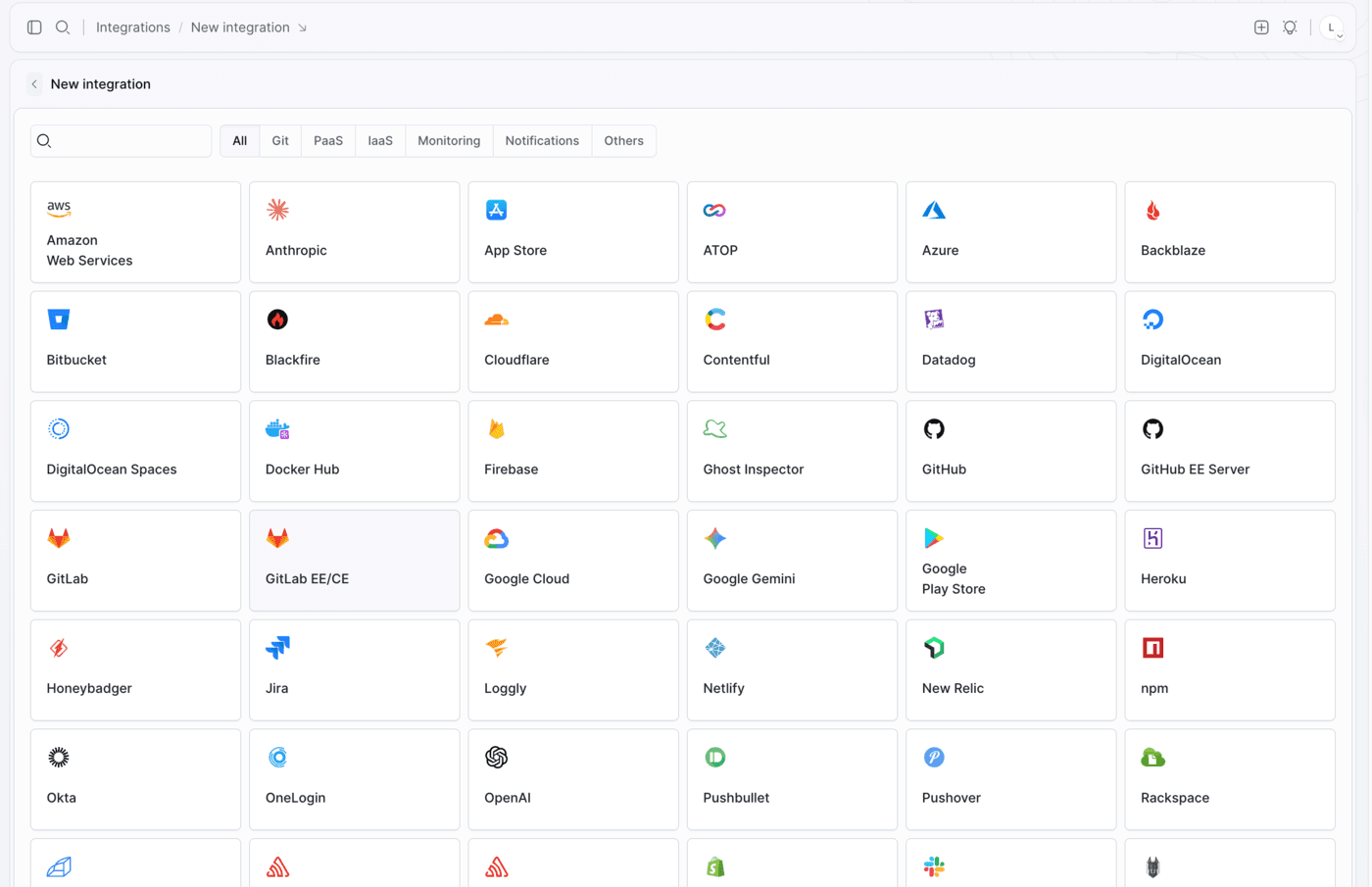
- A configuration window will show up. Here you provide:
- Name and ID of the integration
- Scope - whether the integration is available across the whole Workspace, a single Project, or a specific Environment
- API key - your OpenAI secret key (see below)
- Once done, click Add a new integration to finish configuration.
Image loading...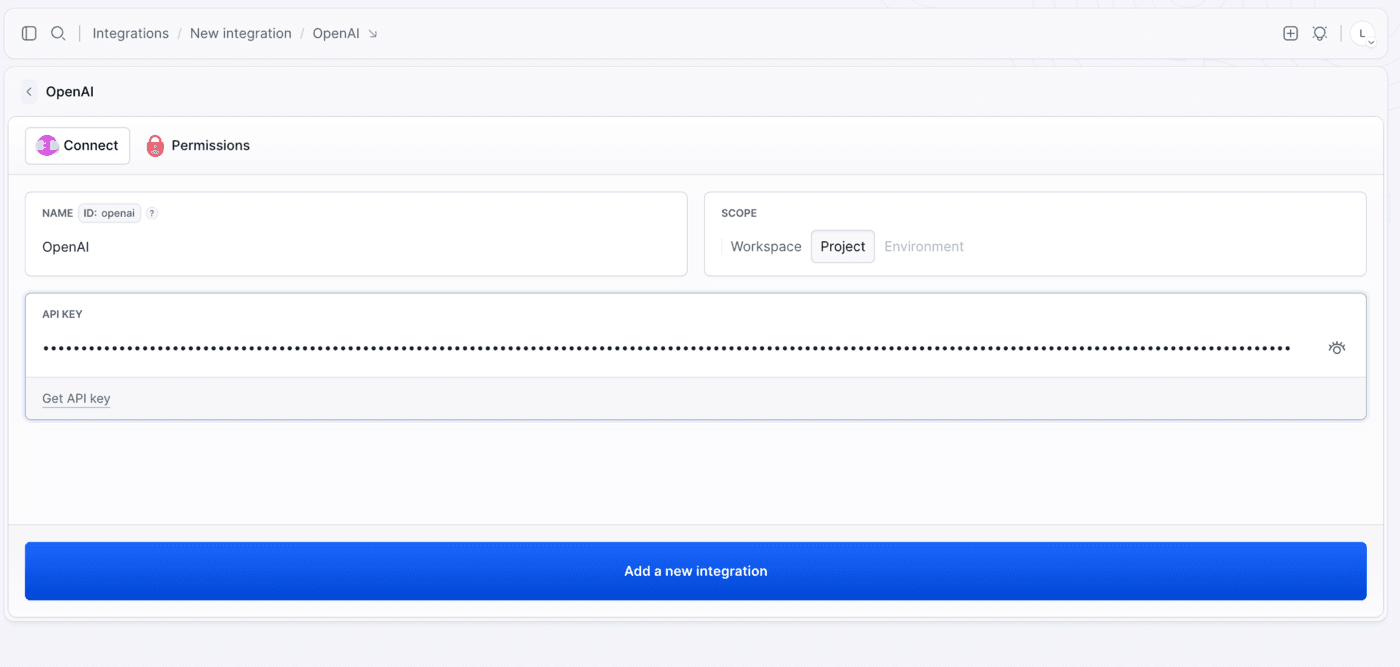
Authorization
Authorize with an OpenAI secret key. The value always starts with sk-.
To obtain the key:
- Go to https://platform.openai.com/api-keys (also linked as Get API key in the form) and click Create new secret key.
Image loading...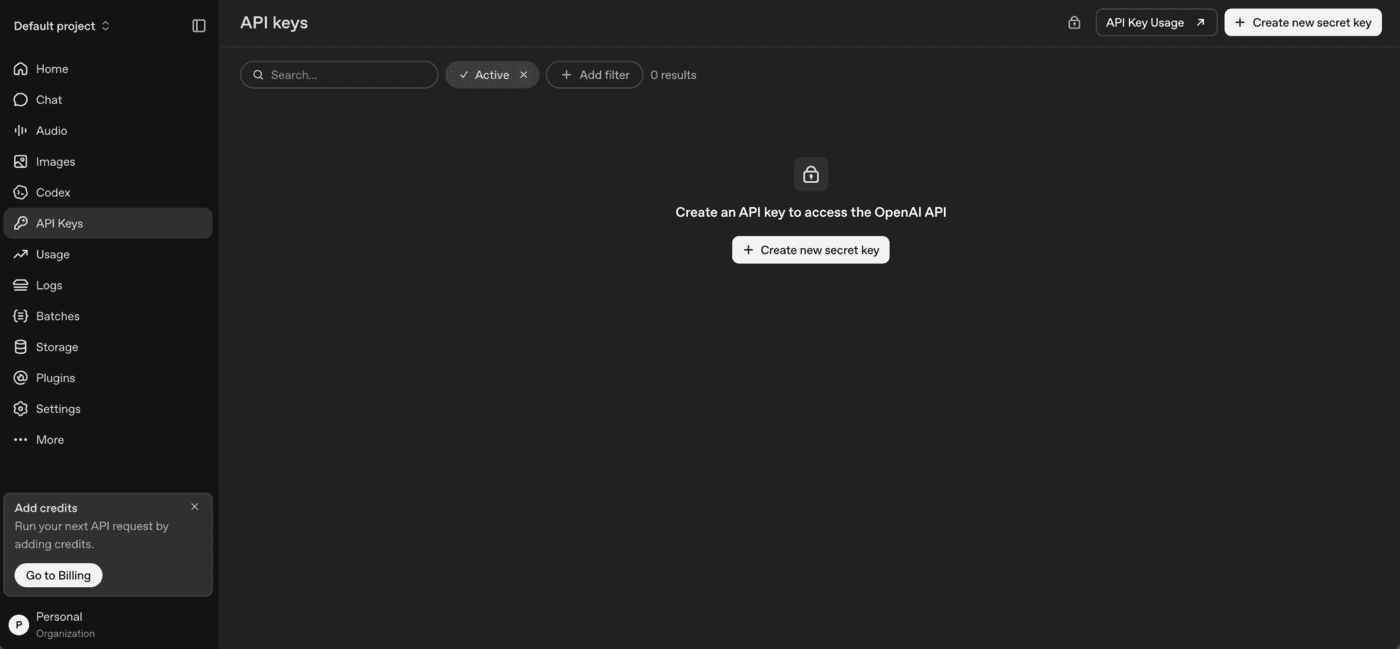
- Name the key, pick the project it belongs to, and set its permissions.
Image loading...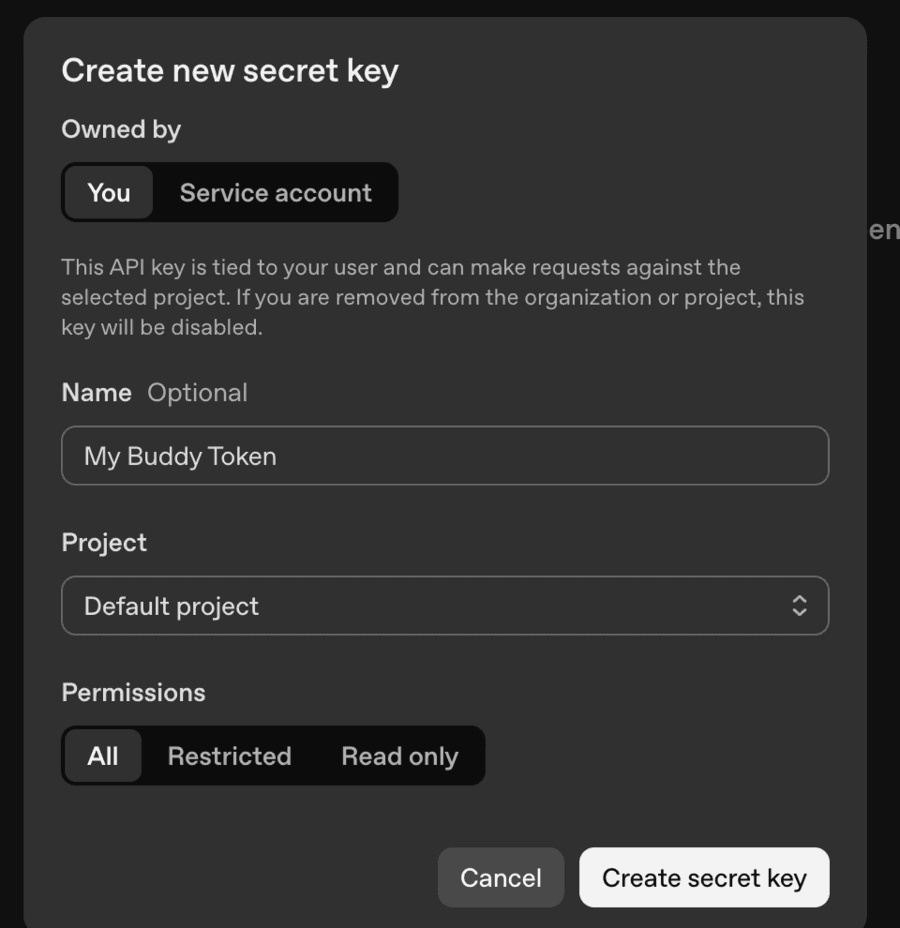
- Copy the generated key - the platform shows it only once.
Image loading...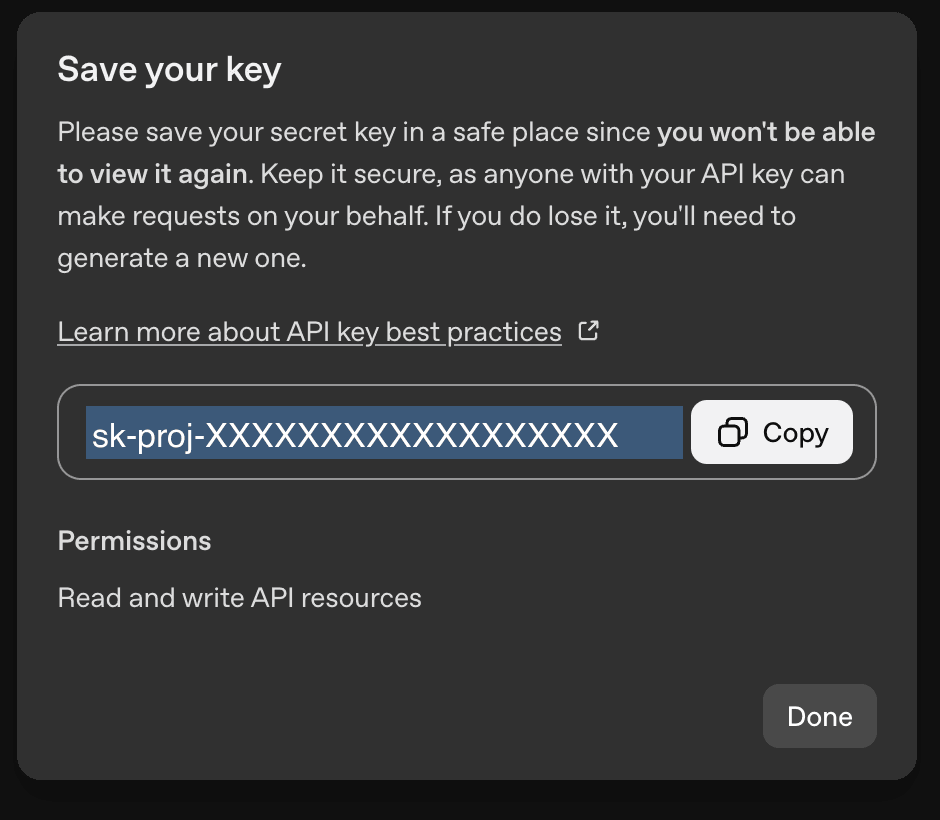
- Paste it into the API KEY field in Buddy and click Add a new integration. The key is stored as an encrypted secret and passed to the pipeline as a secure environment variable, never saved in plain text in your repository.
Scoping key permissions
Codex needs to call the model endpoints, so an All or Read only key will not always be enough on its own. If you prefer to narrow down what the key can do, switch Permissions to Restricted and grant only the resources the agent actually uses - Model capabilities is the minimum for running prompts.
Image loading...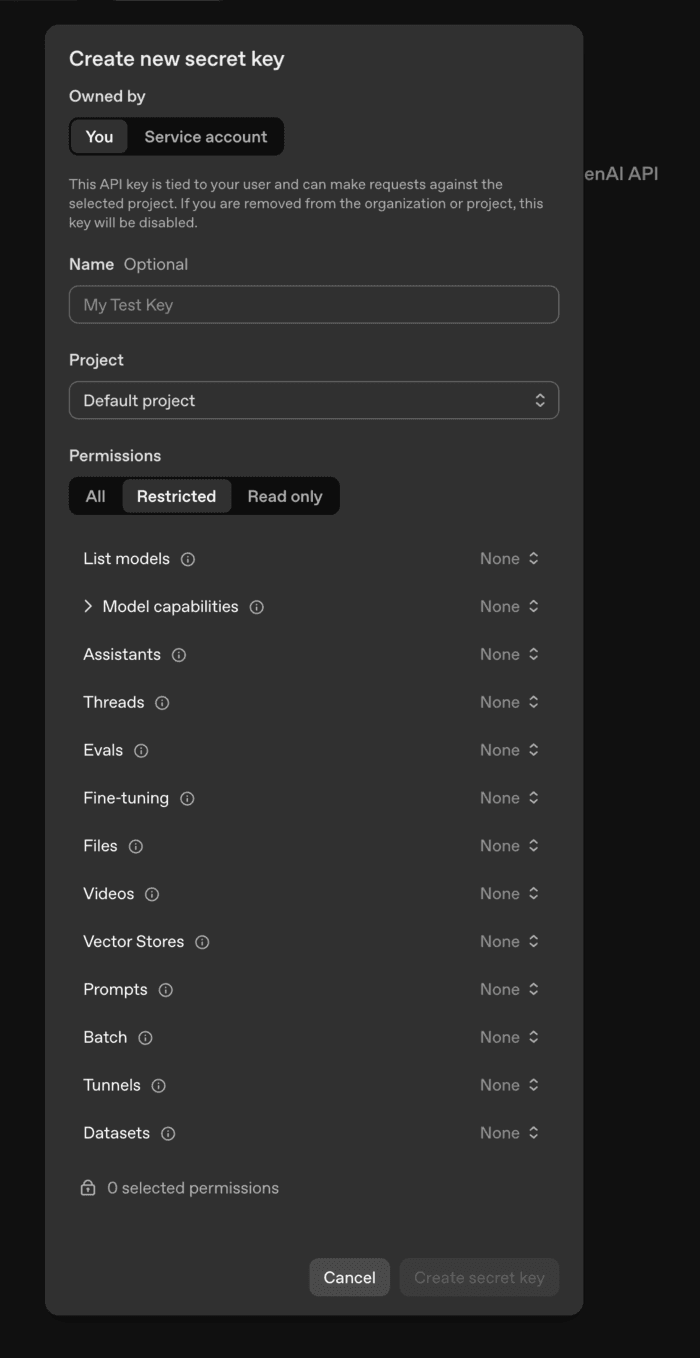
Once the integration is added, you can use the Codex CLI action in your pipeline and reference the integration by its ID.
Last modified on Aug 18, 2026