On schedule
A pipeline can be triggered automatically based on a schedule — at a specific time or at regular intervals.
There are two modes available:
- Simple – quick time interval setup.
- Cron – advanced schedules using cron expressions.
Simple mode
In Simple mode, you can configure the pipeline to run every:
- 1 minute
- 5 minutes
- 15 minutes
- 30 minutes
- 1 hour
- 3 hours
- 6 hours
- 8 hours
- 12 hours
- 1 day
- 7 days
Additionally, you can specify when the schedule should start — from today up to 7 days ahead.
Example: daily run at 5:00 PM:
Image loading...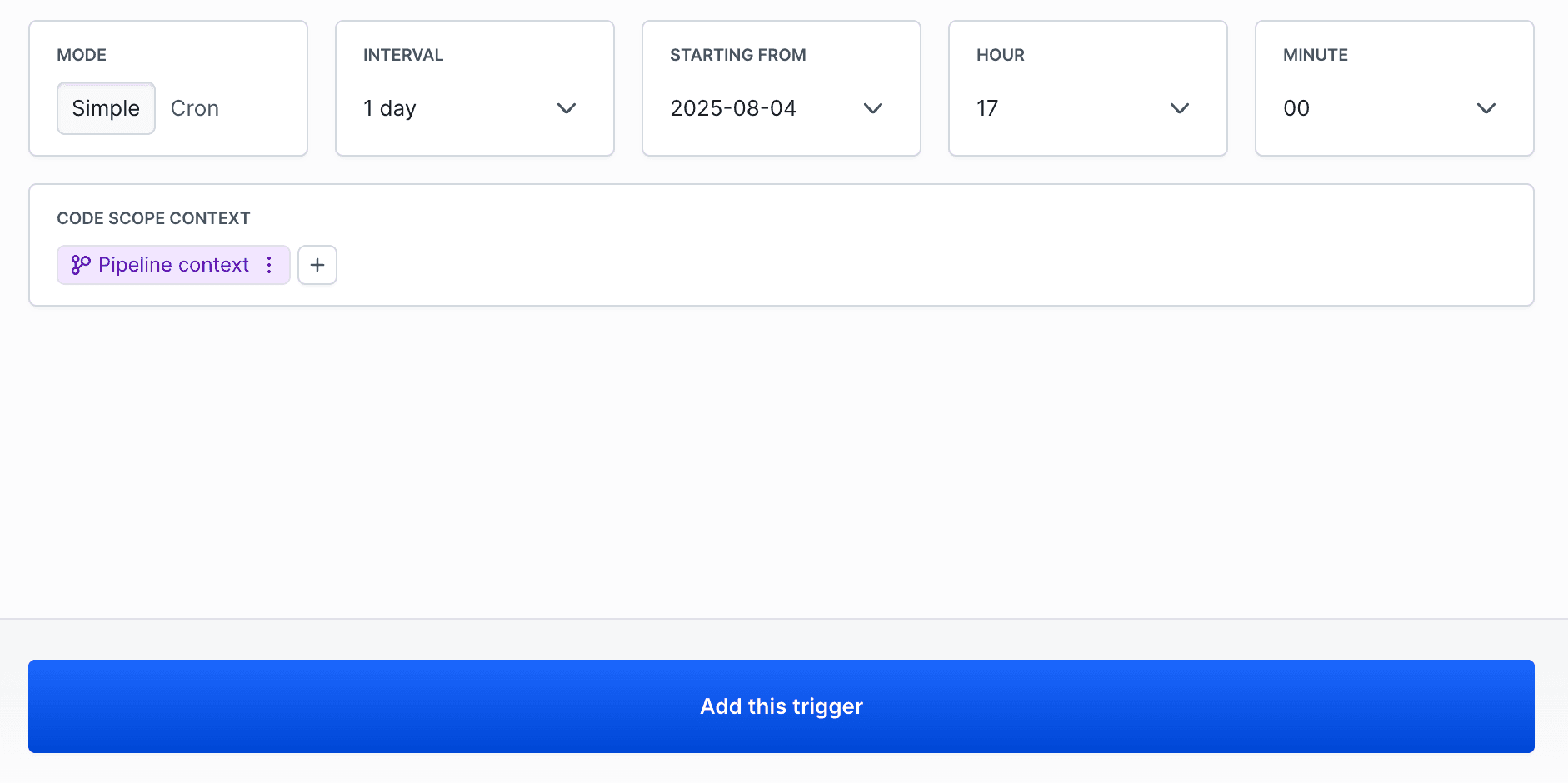
Cron mode
Cron mode allows you to create advanced schedules using cron syntax. The cron expression consists of five fields: minute hour day_of_month month day_of_week
Cron syntax
* * * * *
│ │ │ │ │
│ │ │ │ └── day of week (0-7, where 0 and 7 is Sunday)
│ │ │ └──── month (1-12)
│ │ └────── day of the month (1-31)
│ └──────── hour (0-23)
└────────── minute (0-59)
Cron expression examples
Daily at 9:00
bash
0 9 * * *
$
Every hour
bash
0 * * * *
$
Workdays at 8:00
bash
0 8 * * 1-5
$
Weekends at 10:00
bash
0 10 * * 6,0
$
First day of the month at 6:00
bash
0 6 1 * *
$
Every 30 minutes between 7:00 AM - 10:30 PM from Monday to Saturday
bash
*/30 7-22 * * 1-6
$
Image loading...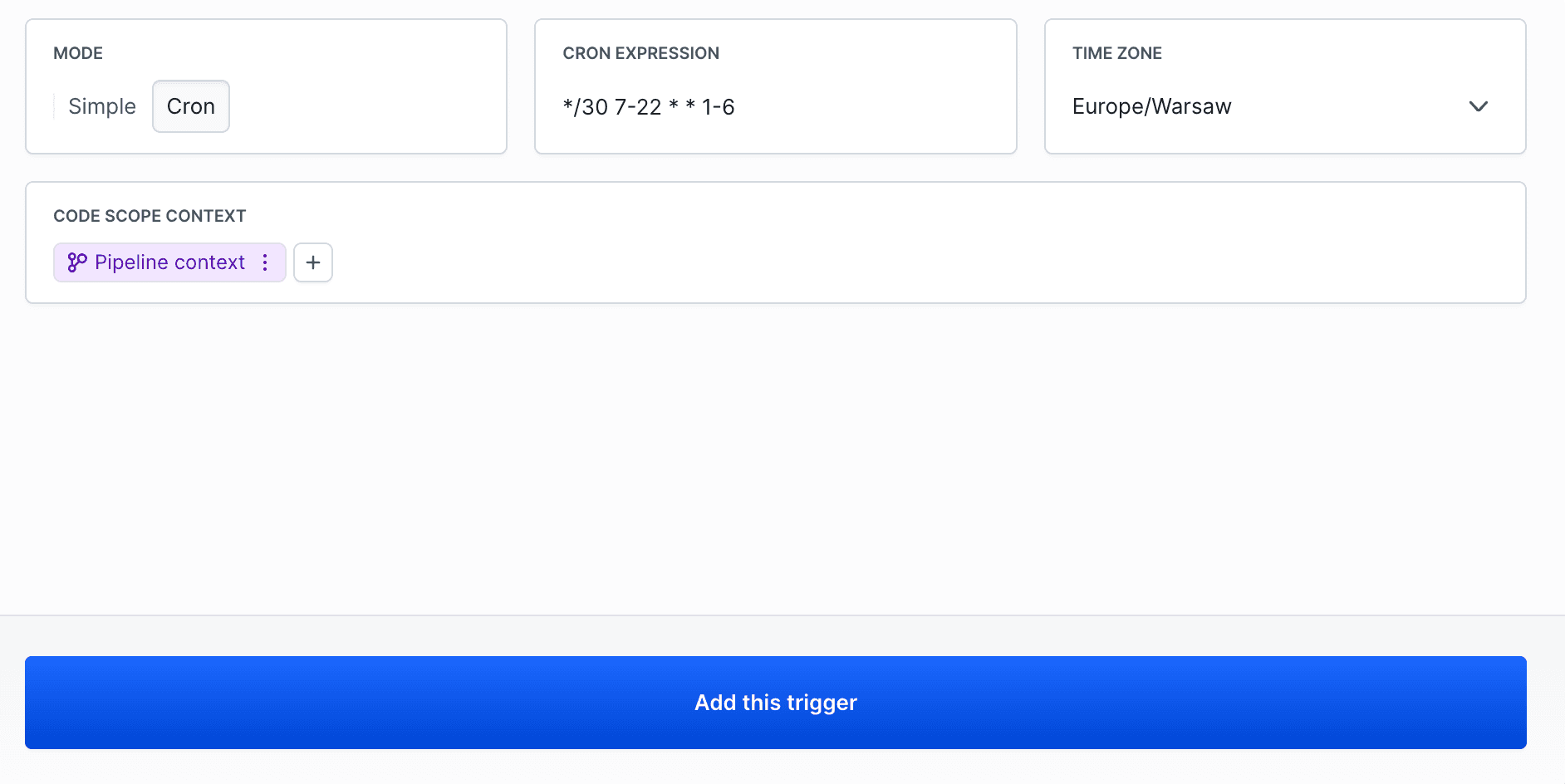
Info
Cron expressions are interpreted according to the time zone set in your account. You can override this setting for a given trigger by selecting a different time zone.
Last modified on Apr 22, 2026