Quick start
Two ways to get a running Sandbox: UI or CLI.
In the web interface
Open the Sandboxes tab and click New Sandbox.
Image loading...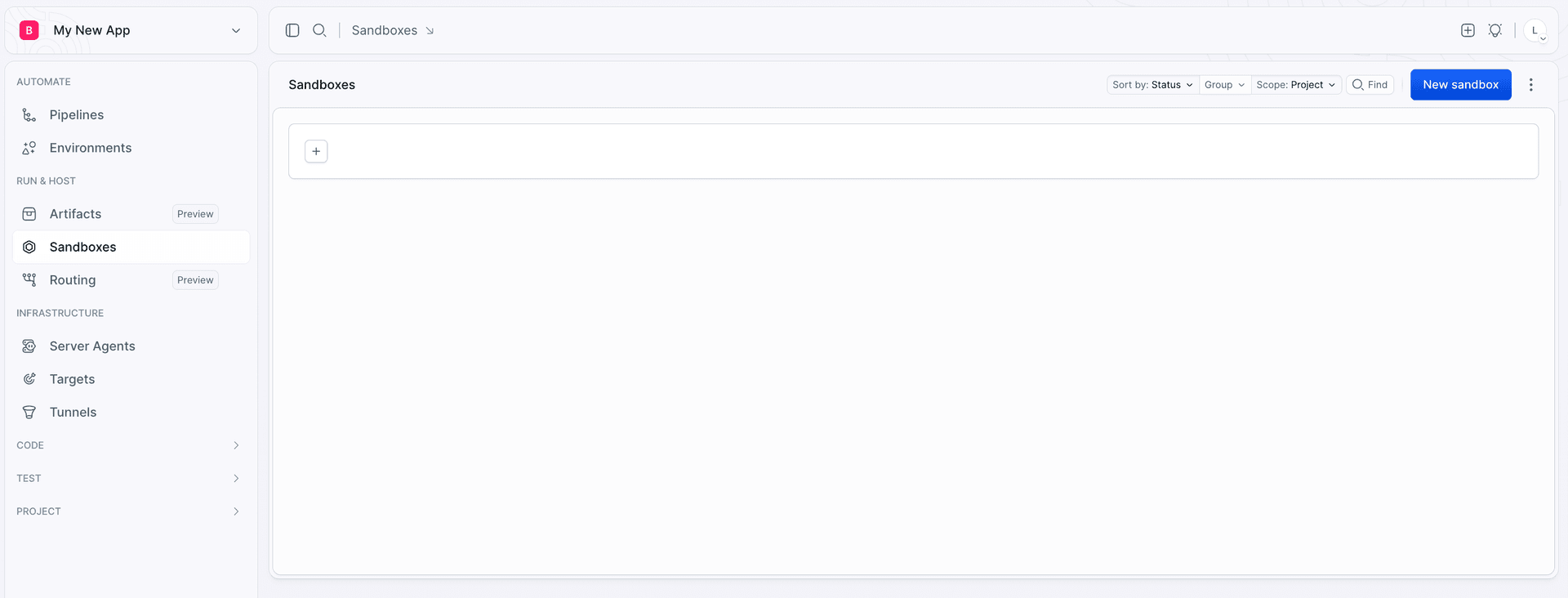
The only thing you have to provide is a name. Everything else is optional at this point: you can point the Sandbox at a repository to fetch, define the endpoints your application is exposed on, add first boot commands, set resources, variables, and tags. All of it is described in Configuration, and all of it can be changed later.
Submit the form and the Sandbox boots immediately. You are then redirected to the Sandbox Terminal you can type into right away, and with SSH connection details, so you can keep working from your own shell or your IDE - see Terminal and SSH.
Image loading...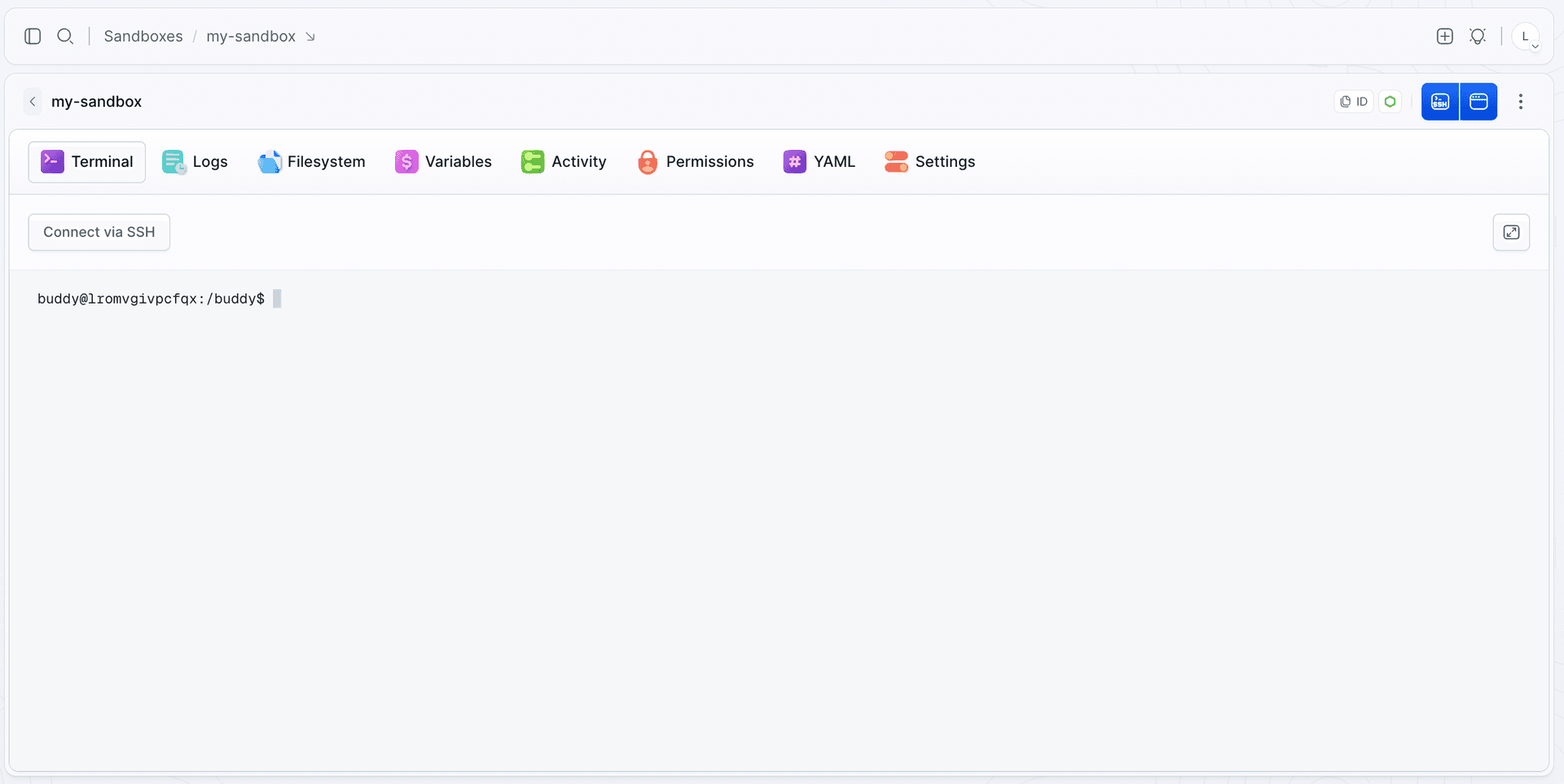
From the CLI
Install the CLI and log in
bashnpm install -g bdy bdy login$$
Link your project
Run this inside your project directory. It connects the folder to a Buddy project, so the Sandbox knows which repository to pull code from:
bashbdy proj link$
Create a Sandbox with your app running
One command creates the machine, clones the repository into it, installs dependencies, and starts the application:
bashbdy sb create -i my-sandbox \ --fetch \ --boot-command "npm install" \ --app-command "npm start" \ --wait-for-apps$$$$$
--fetch pulls the linked project repository.--boot-command runs once during setup.--app-command defines a long-running application.--wait-for-apps blocks until it is up.
If something fails, the setup log tells you what happened:
bashbdy sb logs my-sandbox$
Expose the app on a public URL
Add an HTTP endpoint pointing at the port your app listens on:
bashbdy sb ep add my-sandbox -e 3000 bdy sb ep list my-sandbox$$
The second command prints the public address. Open it in a browser - your app is live. The agent runs inside the Sandbox, so a server bound to 127.0.0.1 or localhost works the same as one on 0.0.0.0.
Open a shell inside
bashbdy sb connect my-sandbox$
You are now the buddy user with passwordless sudo. Install packages, inspect files, run anything.
Stop it and come back later
bashbdy sb stop my-sandbox$
The disk remains. When you start the Sandbox again, everything is where you left it.
bashbdy sb start my-sandbox$
Next
Last modified on Sep 17, 2026