Action Loop
The Action Loop feature allows you to automatically iterate actions based on a matrix of variable value combinations. This lets you run the same action multiple times with different parameters without having to define each action manually.
Loop modes
When you enable Loop in the run strategy, the configuration popup offers two tabs that decide how the iterations are generated: Variables and Times.
Variables
Select one or more variables to iterate over. Separate values with a comma or a newline - each value creates a new run.
- Single variable - the action runs once per value. For
test = value1, value2and the commandecho $test, Buddy generates two runs:value1andvalue2. - Multi-variable loop (matrix) - selecting multiple variables generates all possible combinations. For
whos = my, yourandanimal = cat, dog, the commandecho $whos $animalproduces four runs (my cat,my dog,your cat,your dog).
Times
Enter a number between 1 and 1000 to repeat the run that many times. The current iteration is exposed as $BUDDY_RUN_LOOP_I, so each run can tell which pass it is on:
bashecho $BUDDY_RUN_LOOP_I # Run 1: 1 # Run 2: 2 # Run 3: 3$$$$
Automatic property extraction
If a looped variable contains JSON objects or key-value pairs, Buddy automatically extracts its properties into new variables prefixed with the variable's key:
bash# USER = {"name": "Li", "age": 30} # {"name": "Bob", "age": 25} echo "$USER_name is $USER_age" # Run 1: Li is 30 # Run 2: Bob is 25$$$$$
The same works for key-value pairs (USER = name=Li,age=30 / name=Bob,age=25 → $USER_name, $USER_age).
To map properties directly to environment variables without the key prefix, use the EXTRACT: prefix on each value:
bash# USER = EXTRACT:{"name": "Li", "role": "admin"} # EXTRACT:{"name": "Bob", "role": "user"} echo "$name is $role" # Run 1: Li is admin # Run 2: Bob is user$$$$$
YAML
Both tabs use the same loop field - list variable names for the Variables mode, or provide a single number for the Times mode:
yaml# Variable matrix - one run per value combination
loop:
- deployment_strategy
- region
yaml# Times - repeat the run a fixed number of times
loop:
- 5
The sections below cover the variable matrix mode in detail.
In the action settings, find the RUN STRATEGY section. You'll see two options: Parallel actions and Loop. Select Loop to configure action iteration. A configuration window will appear where you can select already defined variables or add new ones.
Image loading...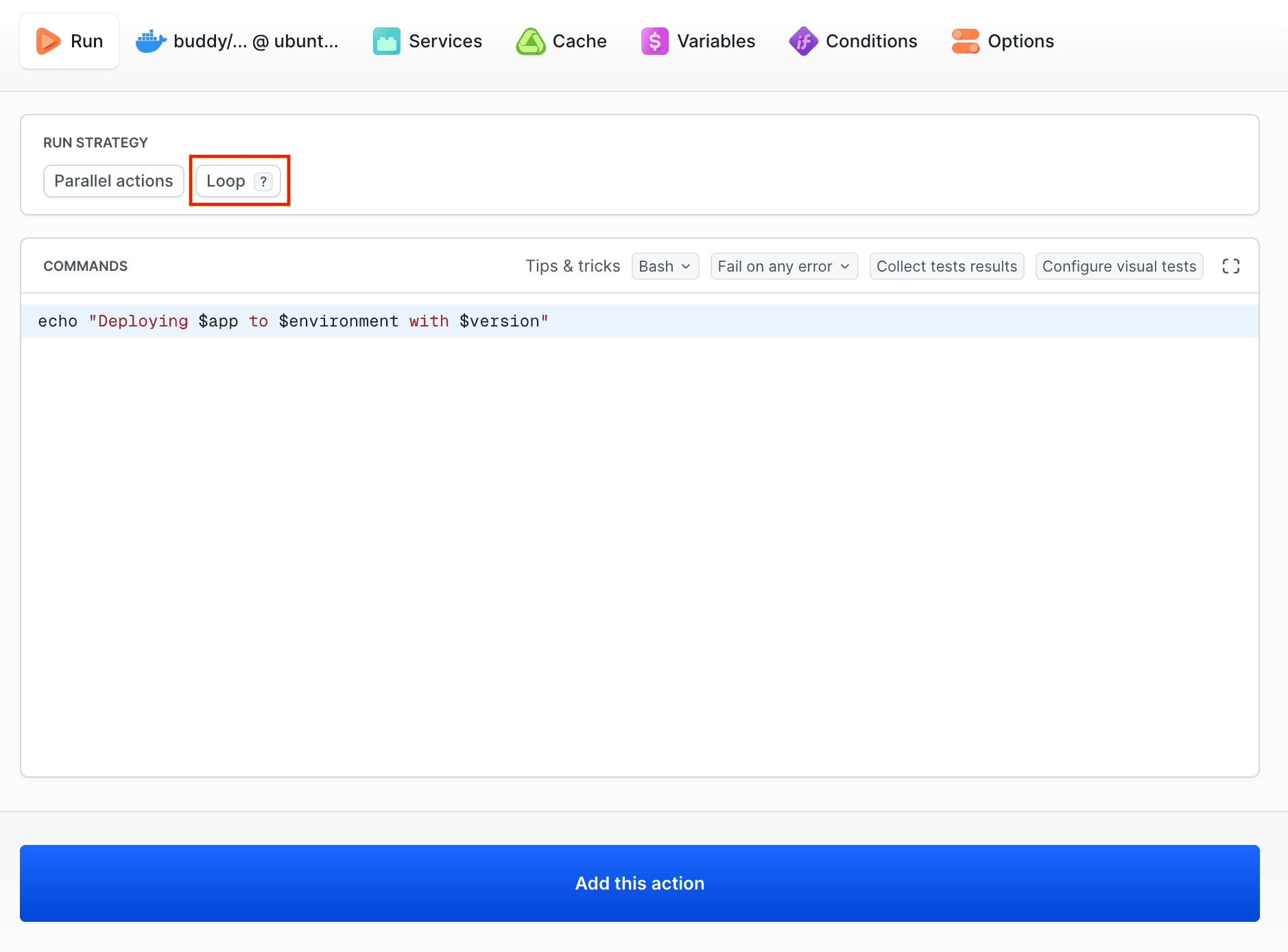
How does action loop work?
Action Loops operate on the basis of a combination matrix, they generate all possible combinations of variable values and run the action separately for each combination.
YAML configuration
Action Loops can also be configured directly in the buddy.yml file using the loop field:
yaml- pipeline: testloop-single
  fail_on_prepare_env_warning: true
  actions:
  - action: "Test loop"
    type: BUILD
    loop:
    - environment
    docker_image_name: buddy/localshell
    docker_image_tag: ubuntu_24.04
    commands:
    - "echo \"Testing: $environment\""
    shell: BASH
    variables:
    - key: environment
      value: "staging,production"
Multi-variable example:
yaml- pipeline: testloop_multiple
  fail_on_prepare_env_warning: true
  actions:
  - action: Test multiple variables loop
    type: BUILD
    loop:
    - whos
    - animal
    docker_image_name: buddy/localshell
    docker_image_tag: ubuntu_24.04
    commands:
    - "echo \"Owner: $whos, Pet: $animal\""
    shell: BASH
    variables:
    - key: animal
      value: "cat,dog"
    - key: whos
      value: "my,your"
Image loading...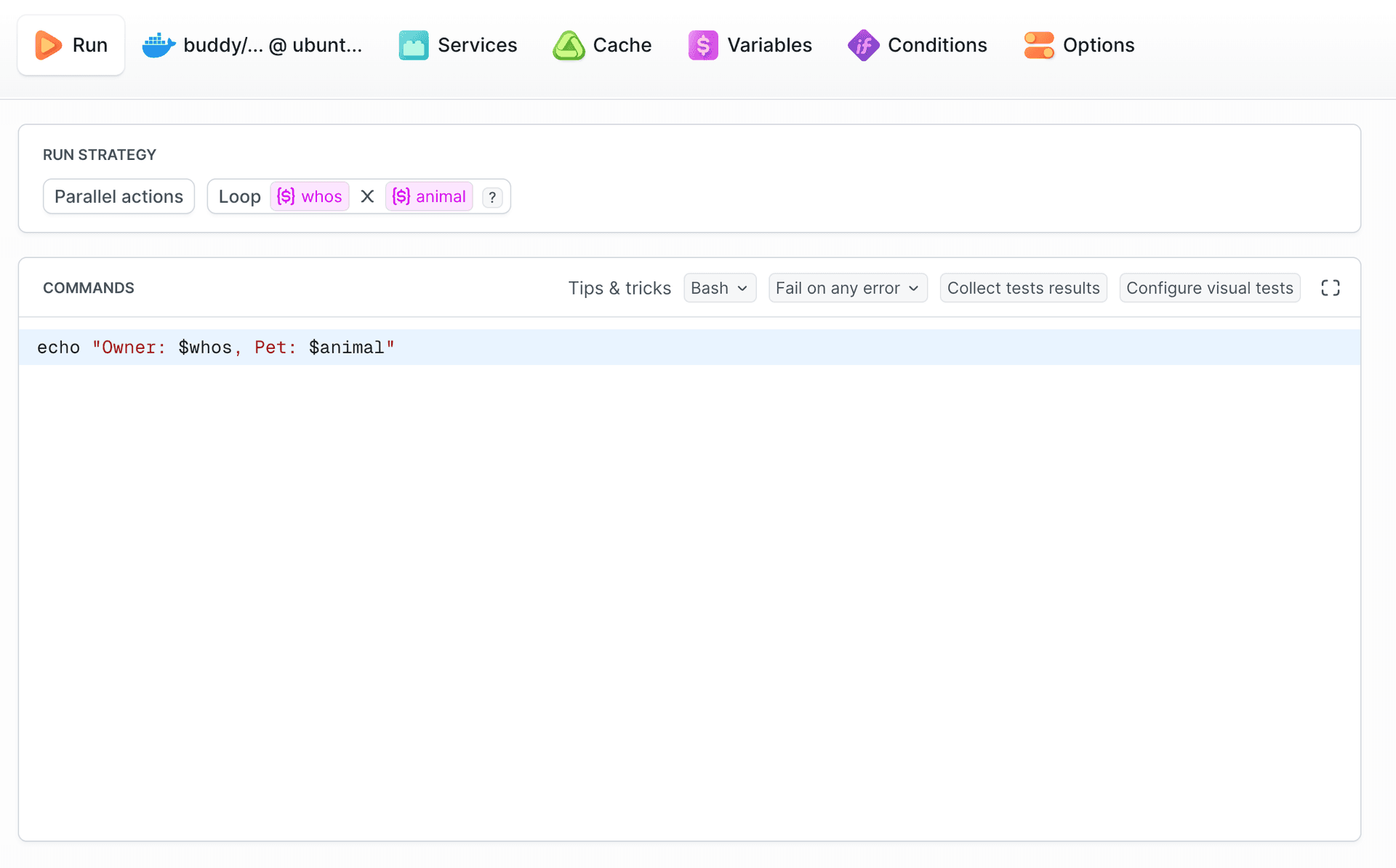
Result: 4 runs (2×2)
- Run 1:
echo "Owner: my, Pet: cat" - Run 2:
echo "Owner: my, Pet: dog" - Run 3:
echo "Owner: your, Pet: cat" - Run 4:
echo "Owner: your, Pet: dog"
Image loading...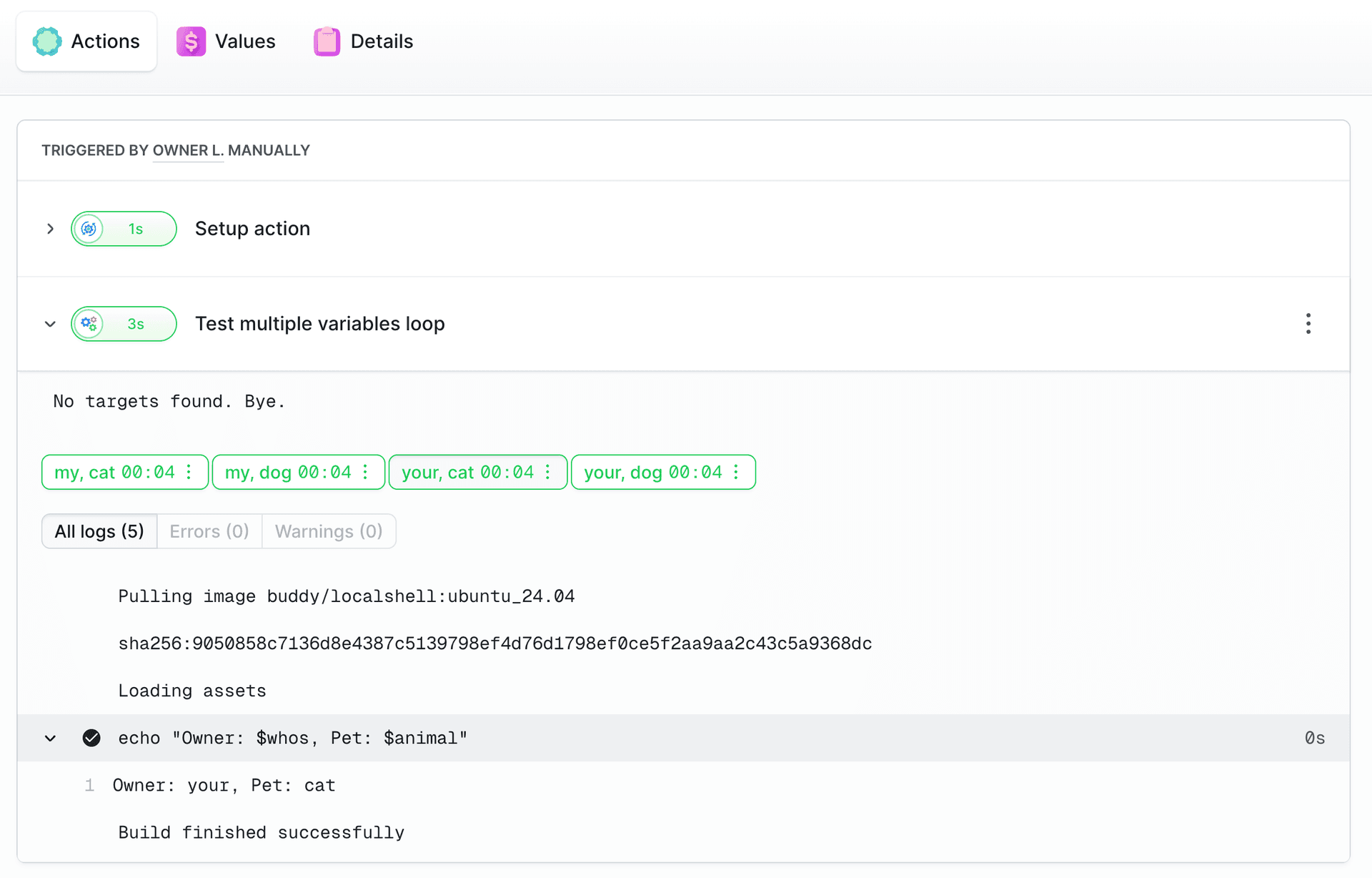
Action loop configuration
The loop field accepts an array of variable names that should be used for iteration:
yamlloop: - variable1 - variable2 - variable3
Practical examples
Multi-region deployment
yaml- pipeline: "multi-region-deployment"
  actions:
  - action: "Deploy to region"
    type: "BUILD"
    docker_image_name: "buddy/localshell"
    commands:
    - "echo \"Deploying to $region with $config\""
    variables:
    - key: "region"
      value: "us-east,eu-west,asia-pacific"
      type: "VAR"
    - key: "config"
      value: "dev,prod"
      type: "VAR"
    loop:
    - "region"
    - "config"
Image loading...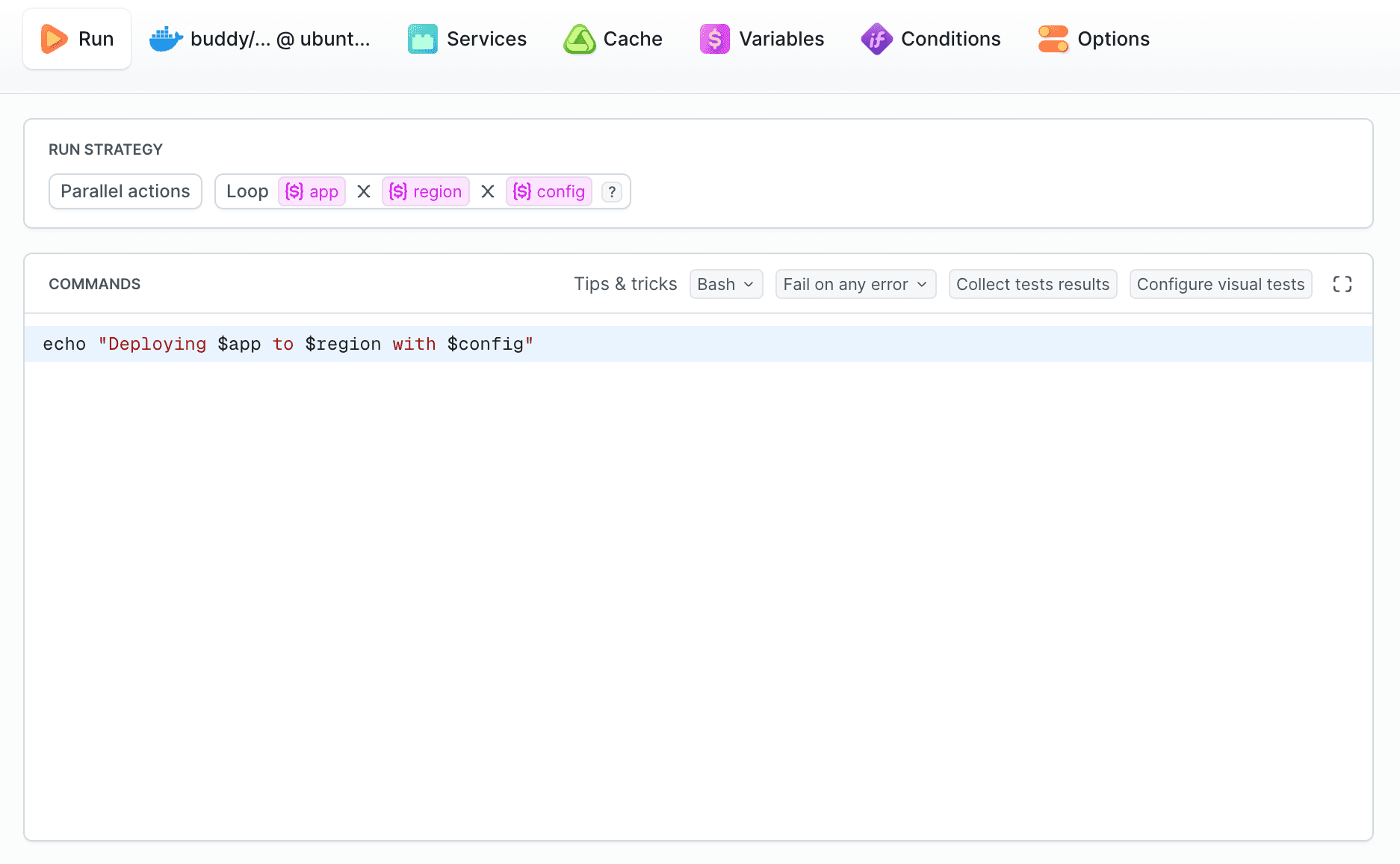
Multi-platform build
yaml- pipeline: "multi-platform-build"
  actions:
  - action: "Build for platform"
    type: "BUILD"
    docker_image_name: "golang:1.19"
    commands:
    - "GOOS=$os GOARCH=$arch go build -o app-$os-$arch"
    variables:
    - key: "os"
      value: "linux,windows,darwin"
      type: "VAR"
    - key: "arch"
      value: "amd64,arm64"
      type: "VAR"
    loop:
    - "os"
    - "arch"
Summary
Action Loop is an option for automating repetitive tasks. Instead of manually duplicating actions, you can use a single action with a loop that automatically generates the entire combination matrix.
API
The action loop is also available through the REST API. You can use the loop parameter when creating an action:
Last modified on Sep 17, 2026