Manage Sandbox
The Manage Sandbox action allows you to manage existing Sandboxes directly from the pipeline. You can perform various operations on Sandboxes depending on your workflow requirements.
Available operations
Image loading...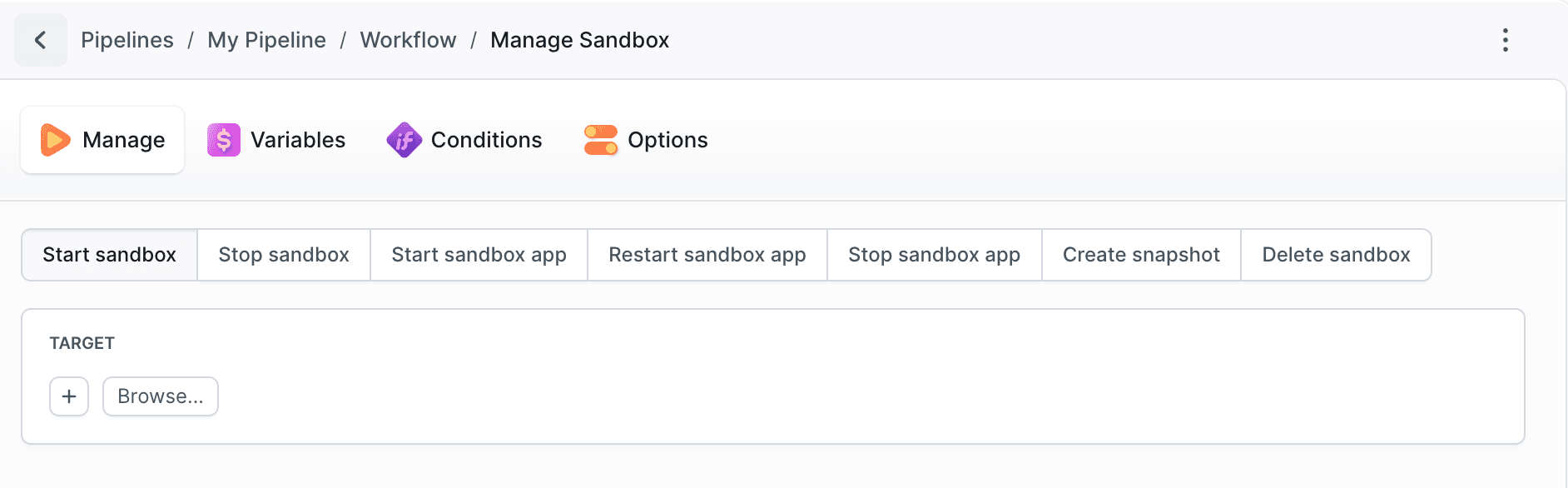
Action allows for the following operations:
- Start Sandbox
- Stop Sandbox
- Start Sandbox app
- Restart Sandbox app
- Stop Sandbox app
- Create snapshot
- Delete Sandbox
Target configuration
Image loading...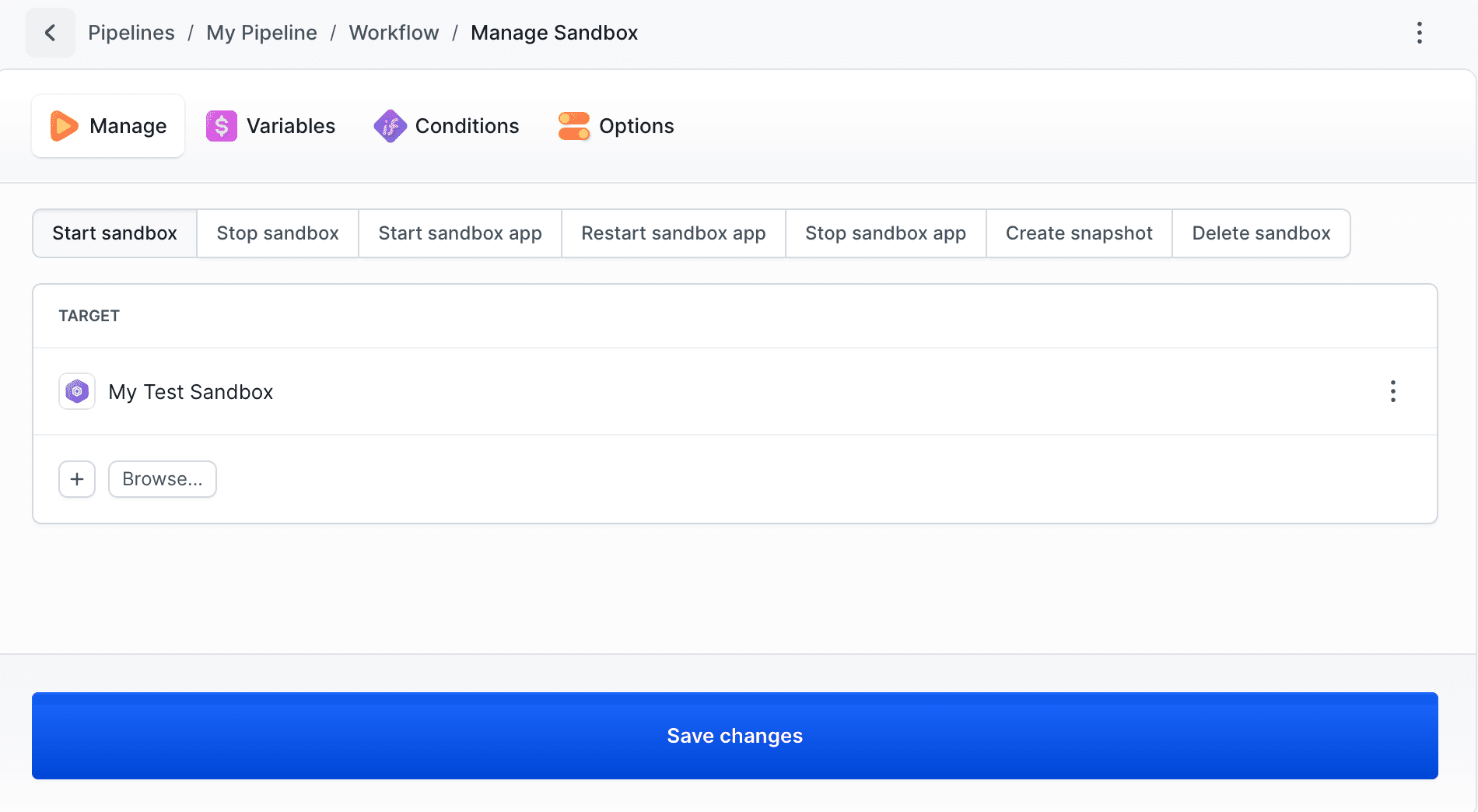
In the TARGET section, select the sandbox on which the operation will be performed:
- Click Browse... to select from a list of available Sandboxes
- Or use the + to add a new target
Image loading...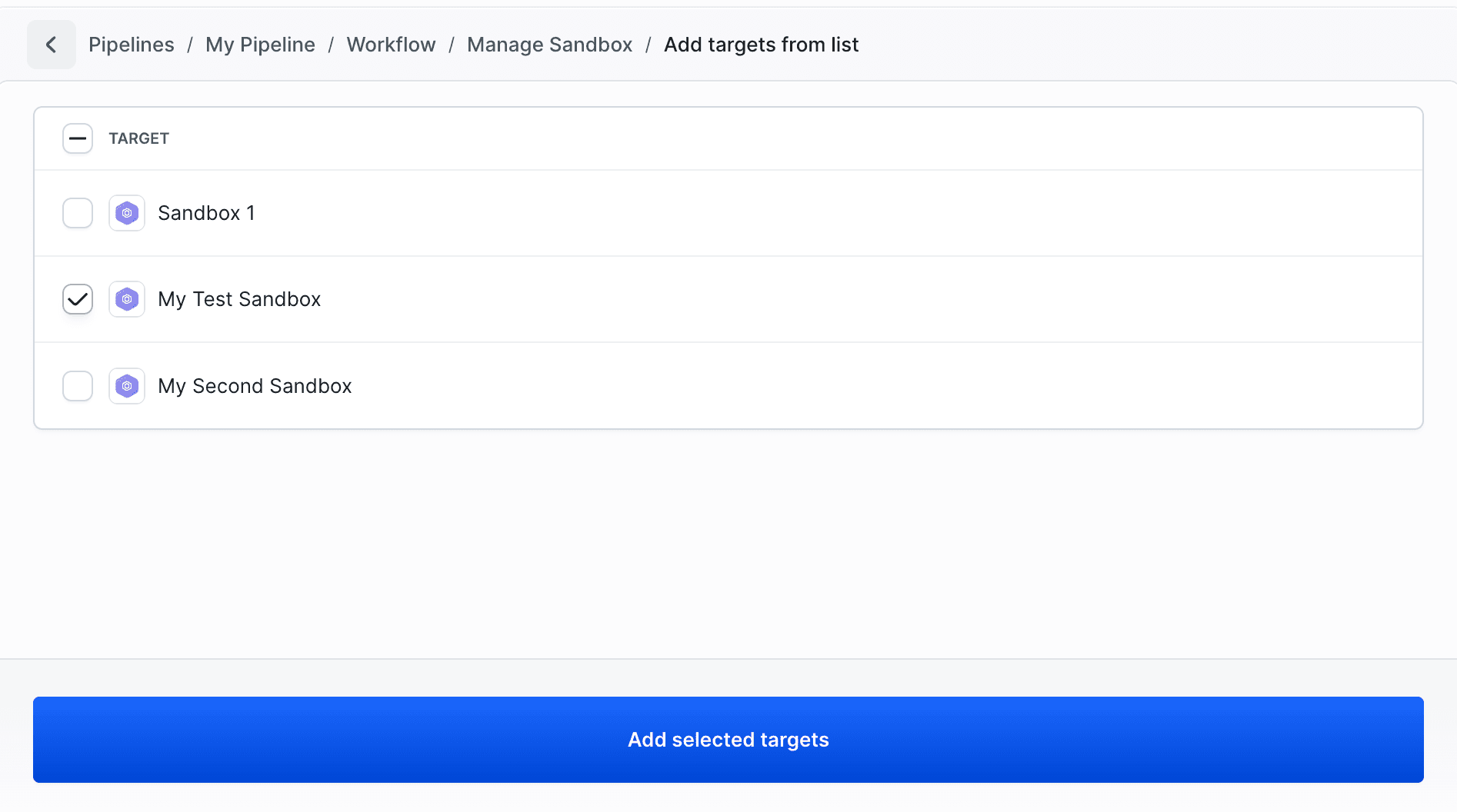
Examples
You can create a workflow in which a sandbox is automatically started when a new branch is created and removed when the branch is deleted.
Image loading...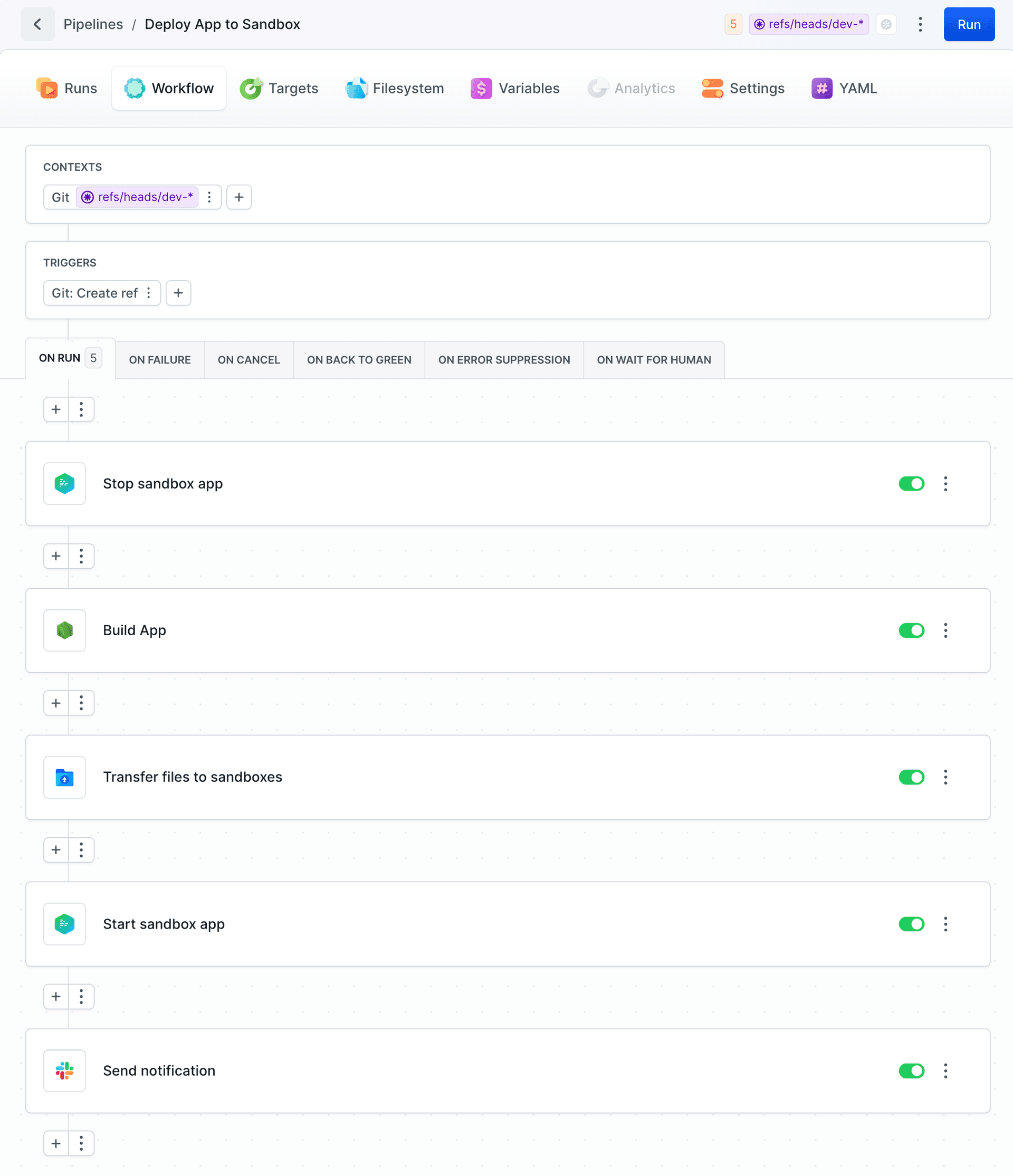
The following example shows a complete pipeline for deploying an application to a Sandbox:
yaml
- pipeline: create-new-sandbox-and-deploy-app
  name: Create new Sandbox and Deploy App
  events:
  - type: CREATE_REF
    refs:
    - "refs/heads/dev-*"
  actions:
  - action: Stop sandbox app
    type: SANDBOX_MANAGE
    targets:
    - my-sandbox
    operation: APP_STOP
  - action: Build App
    type: BUILD
    docker_image_name: library/node
    docker_image_tag: 22
    shell: BASH
    commands: |-
      npm ci
      npm run build
  - action: Transfer files to sandboxes
    type: TRANSFER
    input_type: BUILD_ARTIFACTS
    local_path: /dist
    remote_path: /home/buddy/app/dist
    targets:
    - my-sandbox
  - action: Start sandbox app
    type: SANDBOX_MANAGE
    targets:
    - my-sandbox
    operation: APP_START
  - action: Send notification
    type: SLACK
    content: "[#$BUDDY_RUN_ID] $BUDDY_PIPELINE_NAME execution by <$BUDDY_TRIGGERING_ACTOR_URL|$BUDDY_TRIGGERING_ACTOR>."
    blocks: "[\n\t{\n\t\t\"type\": \"section\",\n\t\t\"fields\": [\n\t\t\t{\n\t\t\t\t\"type\": \"mrkdwn\",\n\t\t\t\t\"text\": \"*Successful run:* <$BUDDY_RUN_URL|Execution #$BUDDY_RUN_ID $BUDDY_RUN_COMMENT>\"\n\t\t\t},\n\t\t\t{\n\t\t\t\t\"type\": \"mrkdwn\",\n\t\t\t\t\"text\": \"*Pipeline:* <$BUDDY_PIPELINE_URL|$BUDDY_PIPELINE_NAME>\"\n\t\t\t},\n\t\t\t{\n\t\t\t\t\"type\": \"mrkdwn\",\n\t\t\t\t\"text\": \"*Ref:* $BUDDY_PIPELINE_REFS\"\n\t\t\t},\n\t\t\t{\n\t\t\t\t\"type\": \"mrkdwn\",\n\t\t\t\t\"text\": \"*Project:* <$BUDDY_PROJECT_URL|$BUDDY_PROJECT_NAME>\"\n\t\t\t}\n\t\t]\n\t}\n]"
    channel: general
    integration: v1ZzQABWJxbo85AAdgwOL0EMrN
Managing Sandboxes via YAML and API
You can also manage Sandboxes using:
Last modified on Aug 13, 2026