Storybook
Storybook is the fastest way to get visual test coverage of your components - no plugin and no test code required. You point Buddy at your built Storybook, and each session captures screenshots of your components and stories, then compares them with the previously approved version.
On top of the visual review you also get a hosted Storybook for every tested version, protected by Buddy authorization - handy for sharing a specific build with designers or reviewers without deploying anything.
Prerequisites
bdyCLI installed (requires Node.js v20+)- Suite token exported as
BUDDY_VT_TOKEN- copy it from the suite settings (in Buddy pipelines the token is set automatically)
Upload your Storybook
Build the Storybook and upload the static output from the build directory:
bashnpm run build-storybook cd storybook-static && bdy tests visual upload$$
Every upload creates a new session. Stories are rendered across all browsers, systems, and device resolutions enabled in the suite settings, and compared against the approved baseline. See the bdy tests visual upload reference for details.
bdy tests visual link (interactively, or non-interactively with -w workspace -p project -s suite-id) so subsequent uploads don't need any extra configuration.
Storybook in a Buddy pipeline
The dedicated Storybook action covers the whole flow - select the suite in the Visual Test Suite ID field and keep the default commands:
Image loading...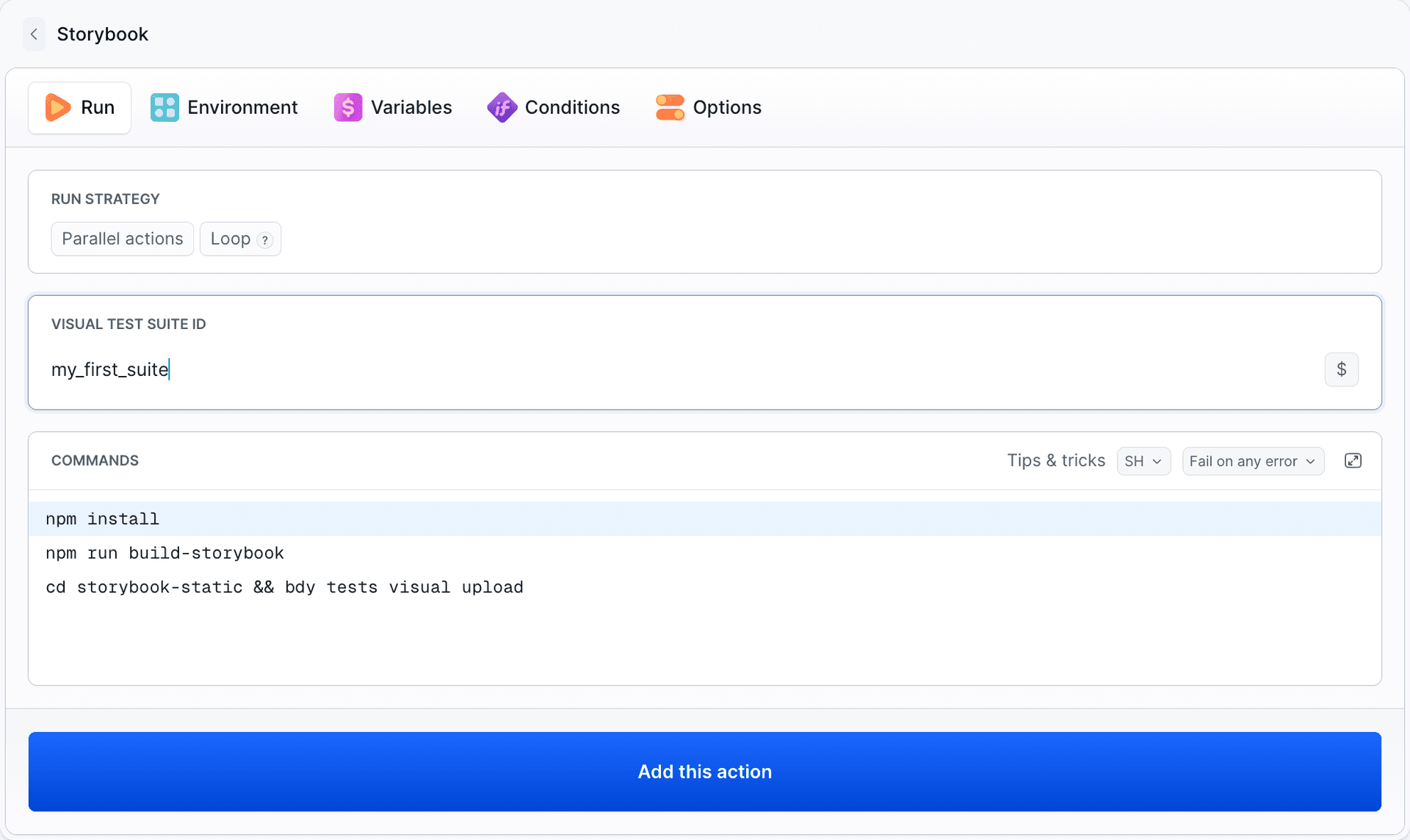
bashnpm install npm run build-storybook cd storybook-static && bdy tests visual upload$$$
The suite token is provided to the action automatically. See Running Visual Tests → Buddy Pipelines for complete pipeline examples, including the approval gate.
For a narrative walkthrough of the same setup, including what the first session looks like once the stories are rendered, read Catch Storybook Regressions Without Writing a Single Test.
Last modified on Oct 1, 2026