Unit Tests in Pipeline
After creating a test suite, you can use it in a pipeline.
Pipeline configuration
- Add a Build action (e.g., Node) to your pipeline
- In the commands section, on the right side, you'll find the Collect test results button
- Click Collect test results to open the configuration.
Image loading...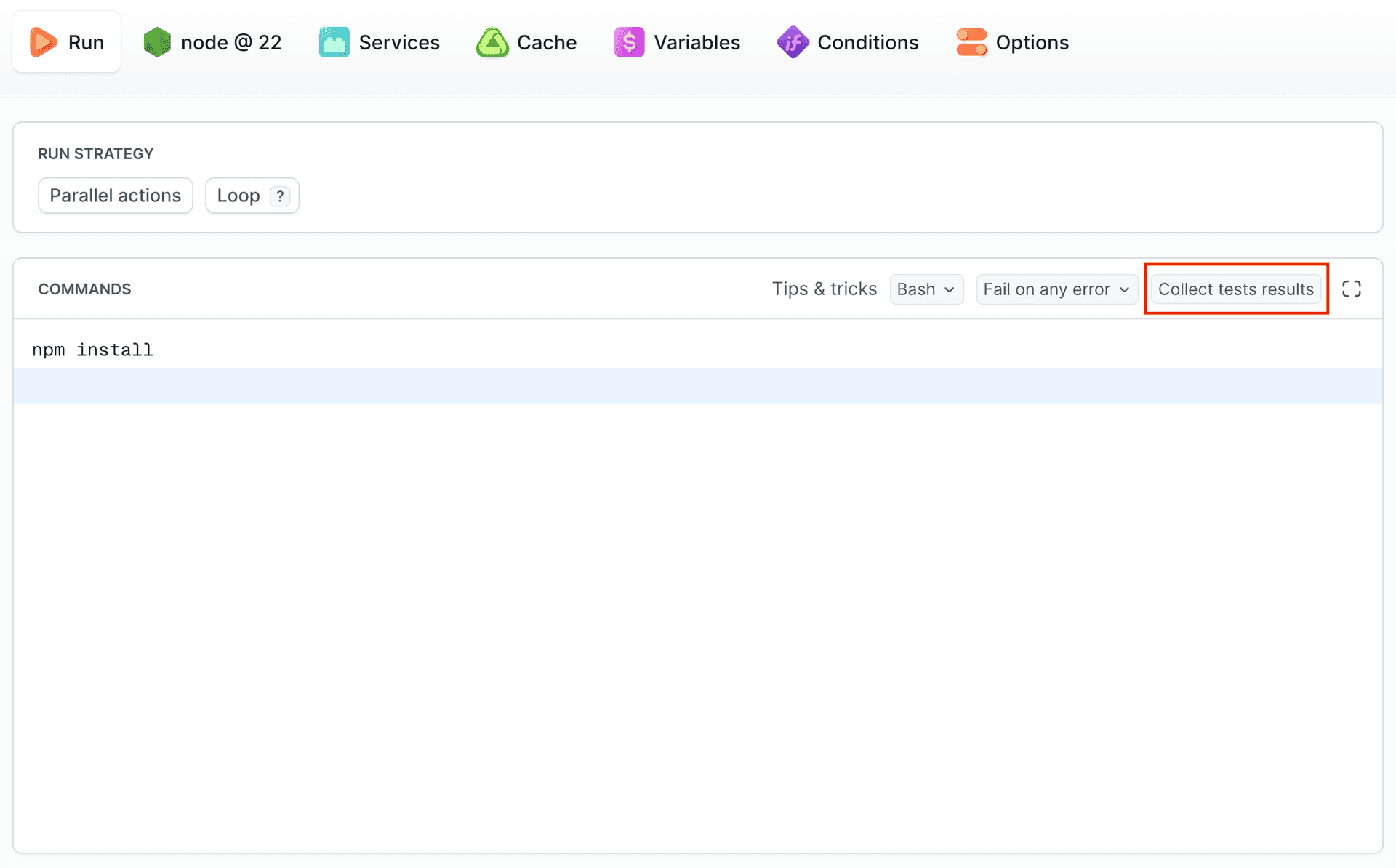
Framework and suite selection
In the popup:
- Select the created Suite from the dropdown list
- Choose the Framework instruction (e.g., Jest, Playwright, Cypress)
- Follow the provided instructions
Image loading...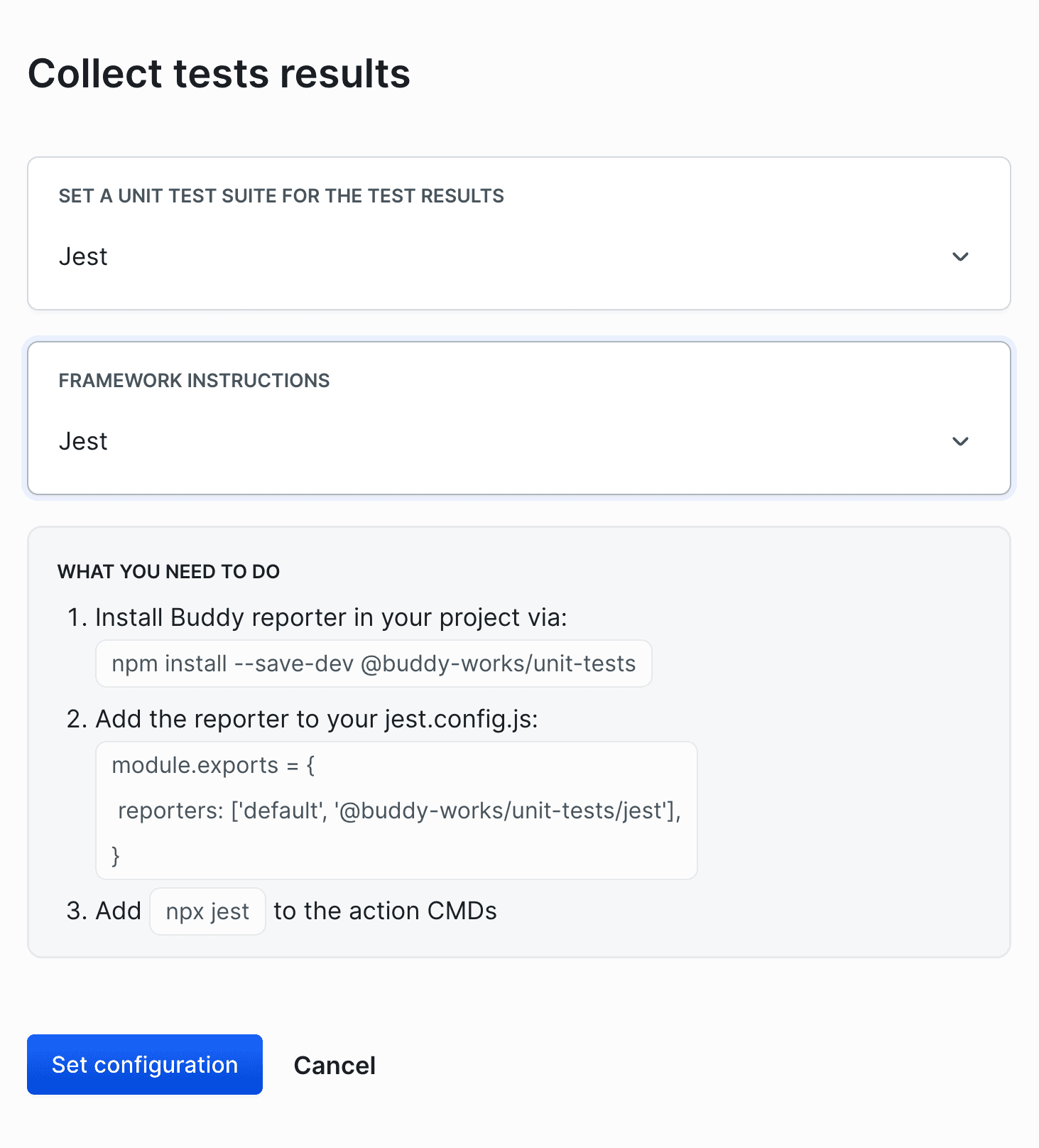
Finalizing configuration
- Click Set configuration - the selected Suite will appear in the Collect test results button.
- Add the commands in the commands section according to the instructions displayed in the popup.
Image loading...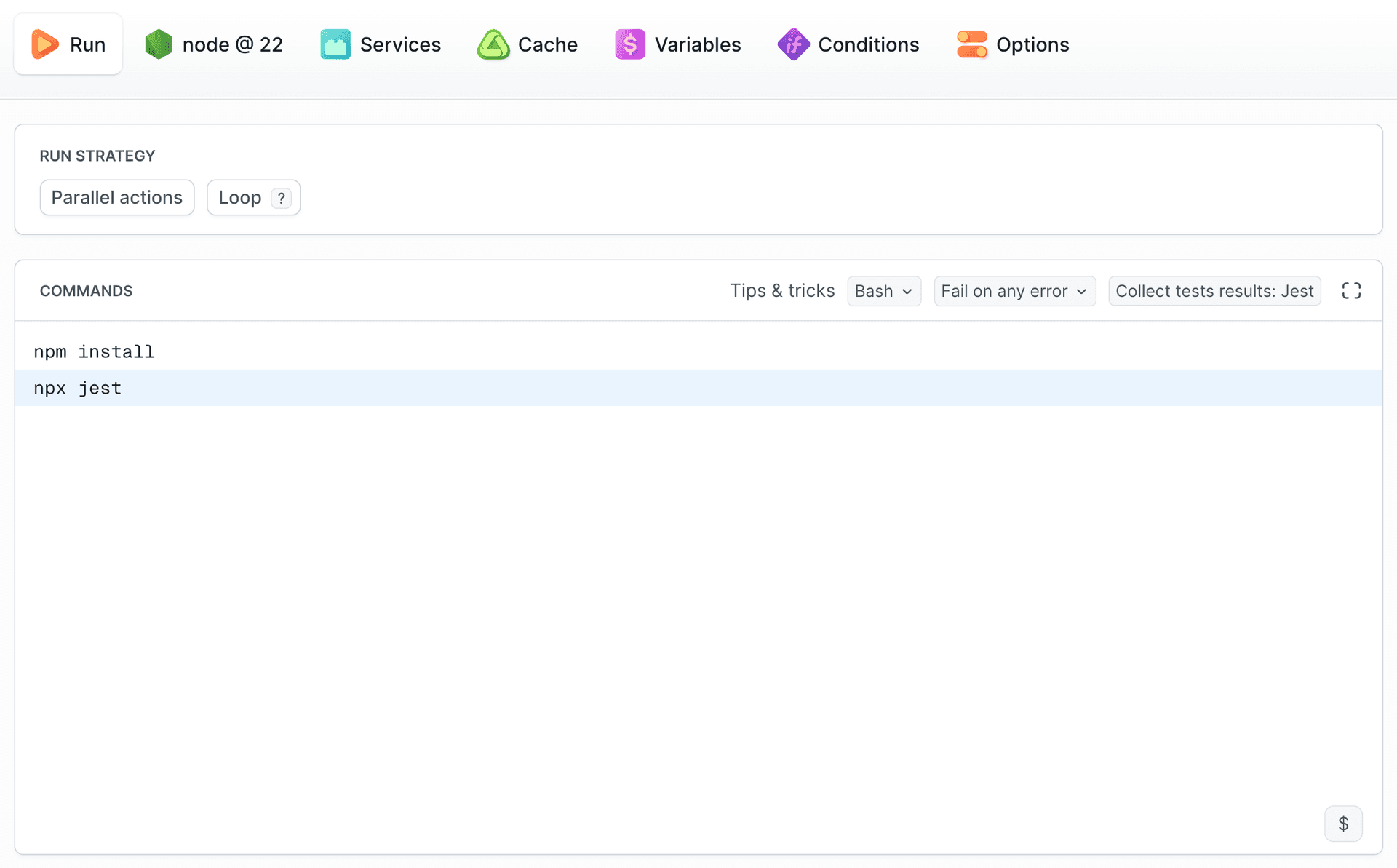
After running the pipeline, the tests will be executed, and the results will be visible in the Unit Tests section in the project sidebar, where you can select your Suite. You can also access them directly from the execution summary.
Image loading...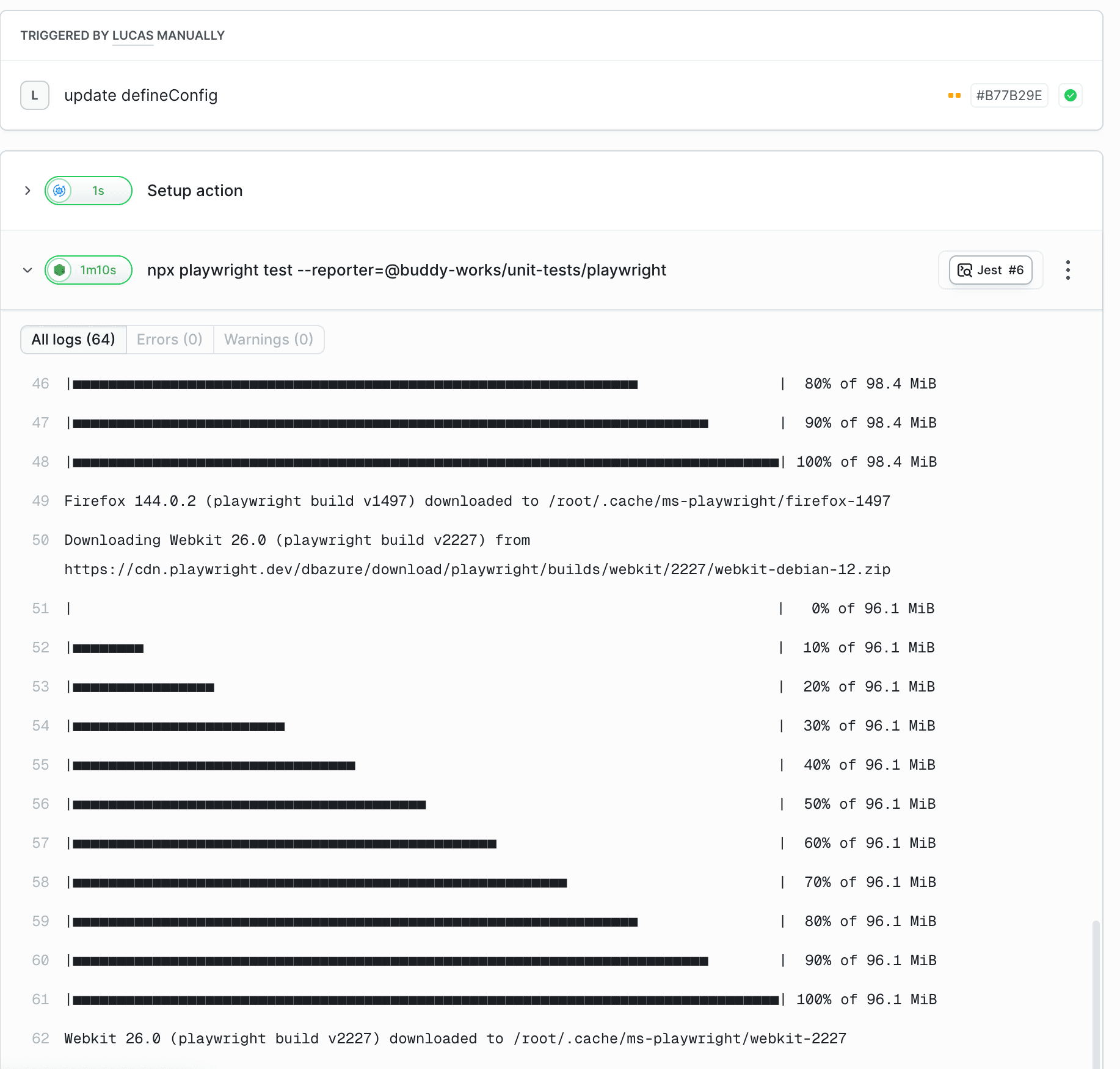
BUDDY_UT_TOKEN environment variable in the pipeline - Buddy automatically uses the token assigned to the selected Suite.
You can find detailed information about viewing test results in the Results & Analytics section.
Triggering pipelines on test results
A finished test session can start another pipeline. Add the Unit Tests: Session ended trigger to the pipeline that should react and filter it by suite, branch, and session status - for example, deploy only when the suite passed, or notify the team when it failed.
- Open the pipeline and go to the Workflow tab.
- Click + in the Triggers section and select Session ended in the Unit Tests group.
- Pick the Suite, Branch, and Session statuses and click Apply changes.
The same trigger in YAML. The suites list takes suite IDs (shown next to the name in the suite's settings), not display names:
yaml- pipeline: "Deploy to production"
  refs:
    - "refs/heads/master"
  events:
    - type: "UT_SESSION_ENDED"
      branches:
        - "master"
      suites:
        - "api_tests"
      statuses:
        - "SUCCESSFUL"
The trigger reacts to the session, not to the pipeline that ran the tests, so it also works for results sent from GitHub Actions or uploaded with the CLI. See On unit test event for all filter options.
Last modified on Sep 22, 2026