SFTP
Do more with SFTP
Buddy CI/CD allows you to instantly implement SFTP with 148 ready to use actions to automate your development and build better apps faster.
Use SFTP in Buddy CI/CDSFTP - Features, integrations, alternatives & more
What it does
SFTP action uploads your files from the Git repository or the pipeline filesystem to an SFTP server. A pipeline filesystem contains the fetched Git repository, artifacts generated by build actions, and static files uploaded by the user.
How it works
The action is aware about what is currently on the server and will upload only what has changed. It uploads new files, updates the changed and deletes everything what was deleted in the repository or the filesystem. The same goes for the deploys from the pipeline filesystem: only changes are deploy between executions.
Action preview
Image loading...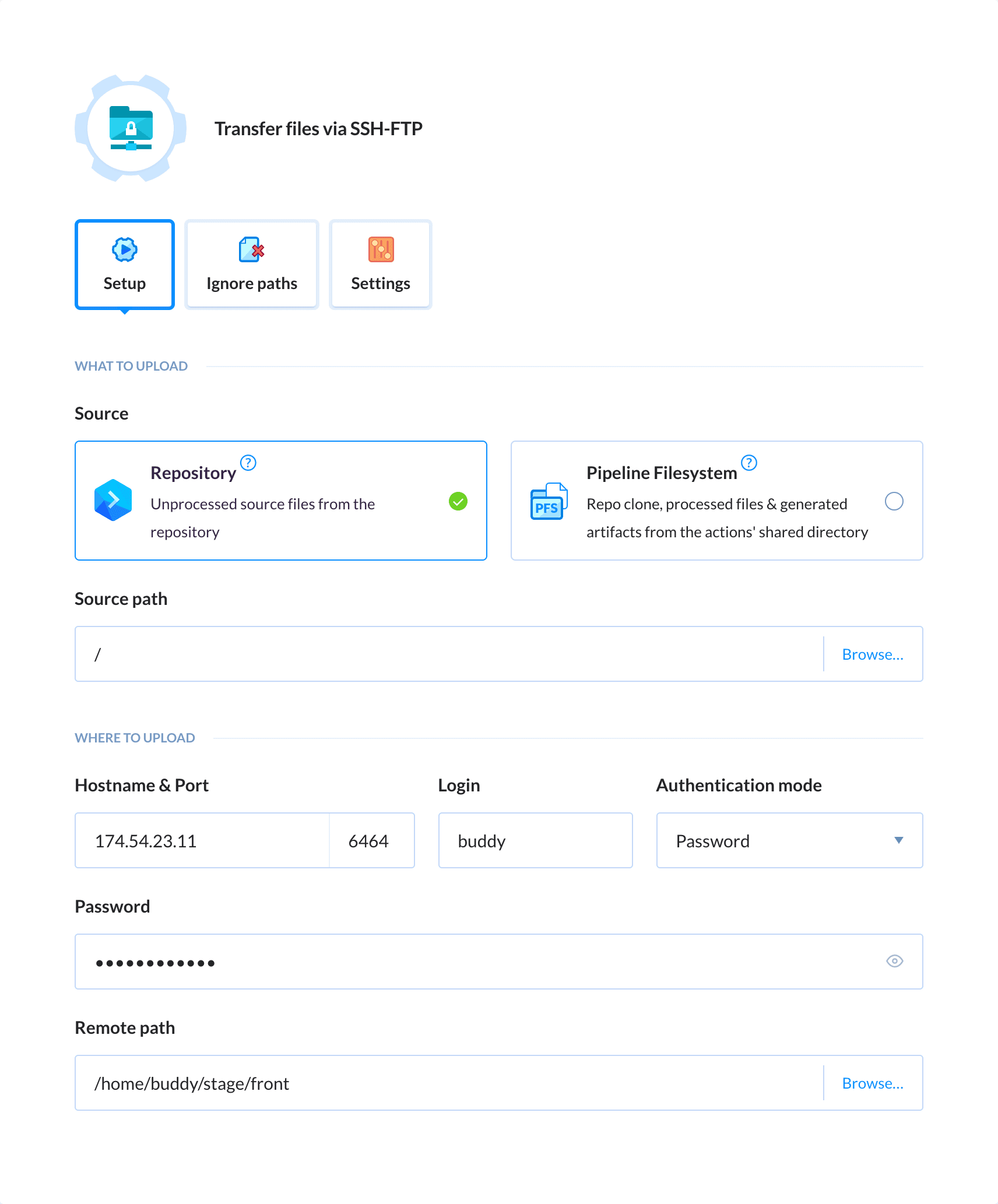
SFTP Action Features
- The Browse tab lets you browse files and directories on the remote SFTP server, download files, and view file metadata (modification date, size) directly from Buddy's UI — symlinks are displayed with dedicated icons
- The action can be configured in YAML mode. See SFTP YAML parameters and SFTP YAML config example
- Buddy's SFTP API is supported
More about SFTP
- How to deploy to SFTP
- FTP action - deploy to servers without SSH access
Do more with SFTP
Buddy allows you to instantly connect SFTP with 148 actions to automate your development and build better apps faster.
Connect SFTP to 148 dev tools1 - 3 (of 148)