Target scope
How to configure target scope?
The Scope of Targets defines the access rules for pipelines to a given target. This allows you to precisely manage the visibility and usage of targets across different levels within your application.
Available options:
- Workspace – the target is configured globally and is available to all pipelines across all projects in your workspace.
Image loading...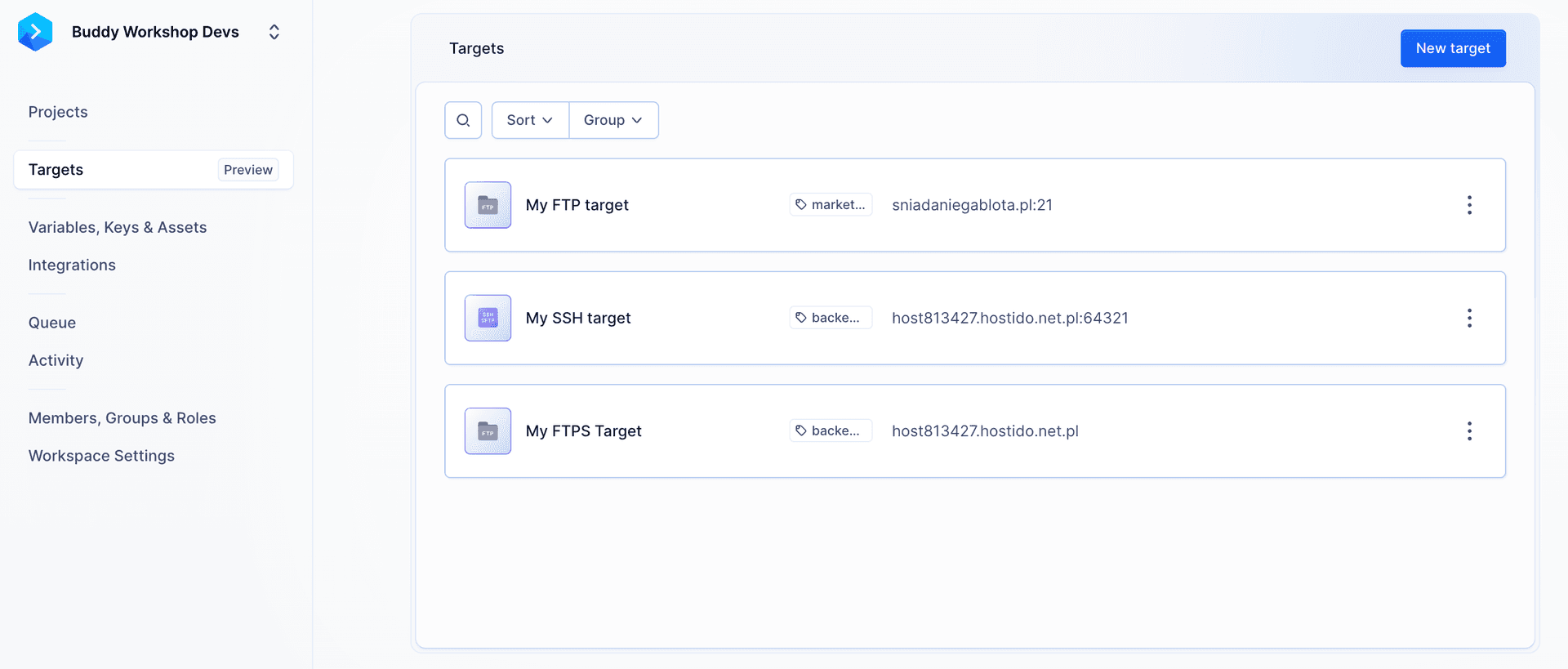
- Project - the target is available in all pipelines within a single project.
Image loading...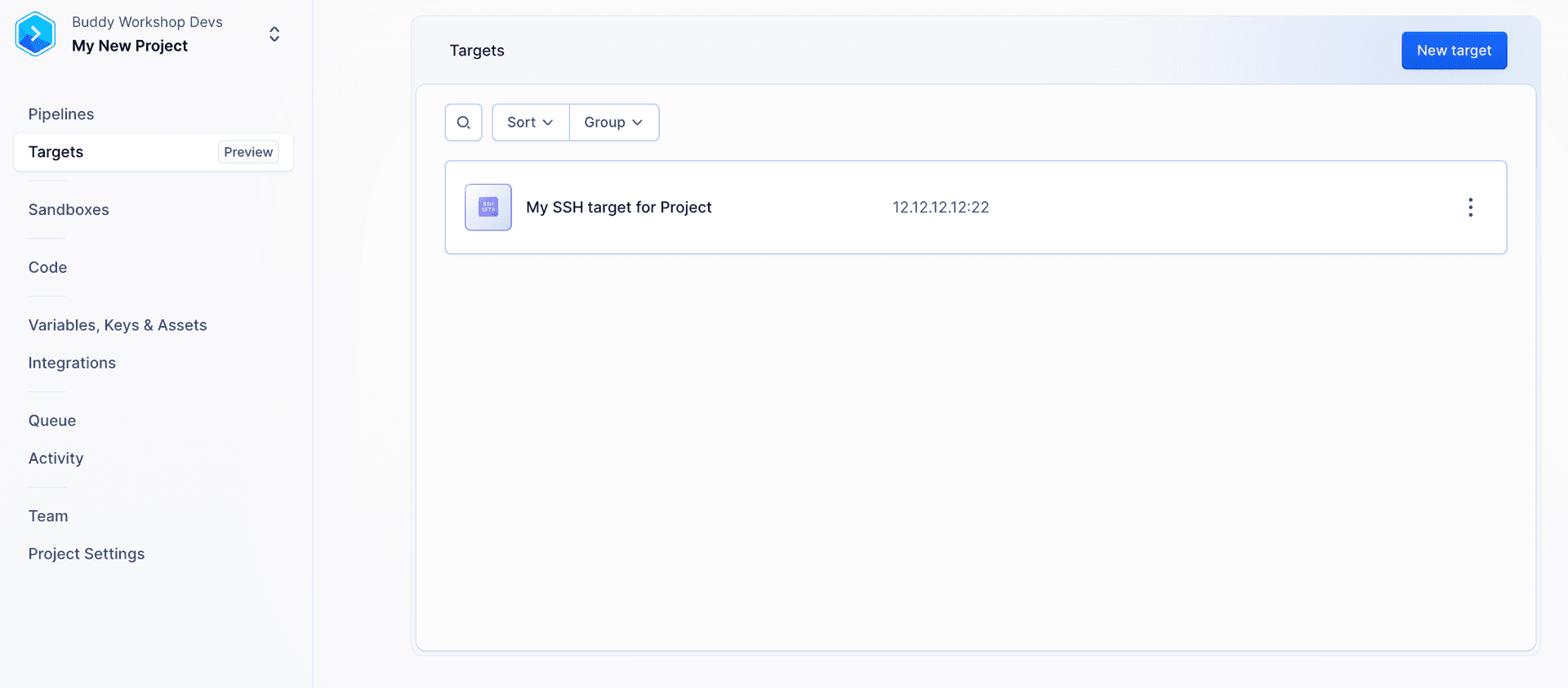
- Pipeline - the target is available only in the selected pipeline.
Image loading...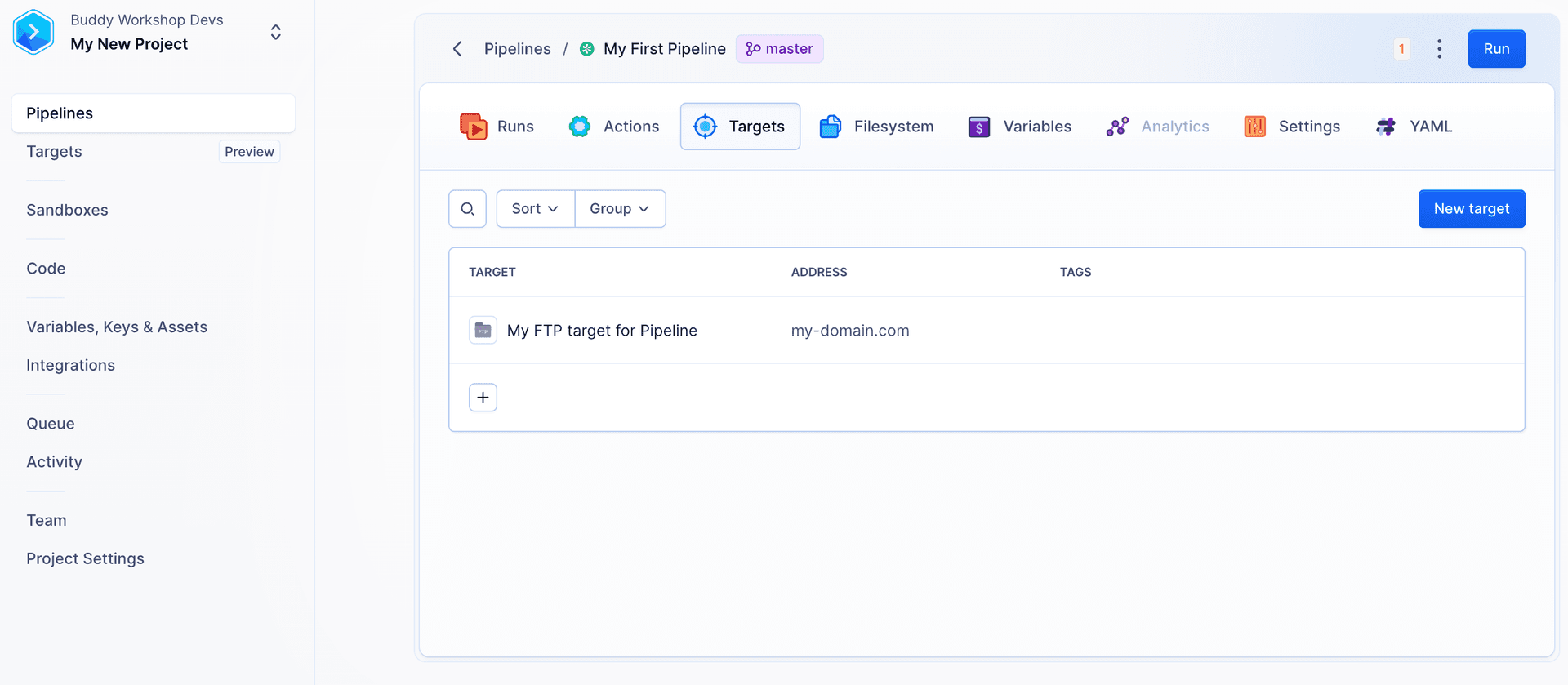
Inline - targets added directly within an action have an Action scope. This means they are available only to the specific action for which they were defined.
Environment - Pipelines with permissions to the environment
Image loading...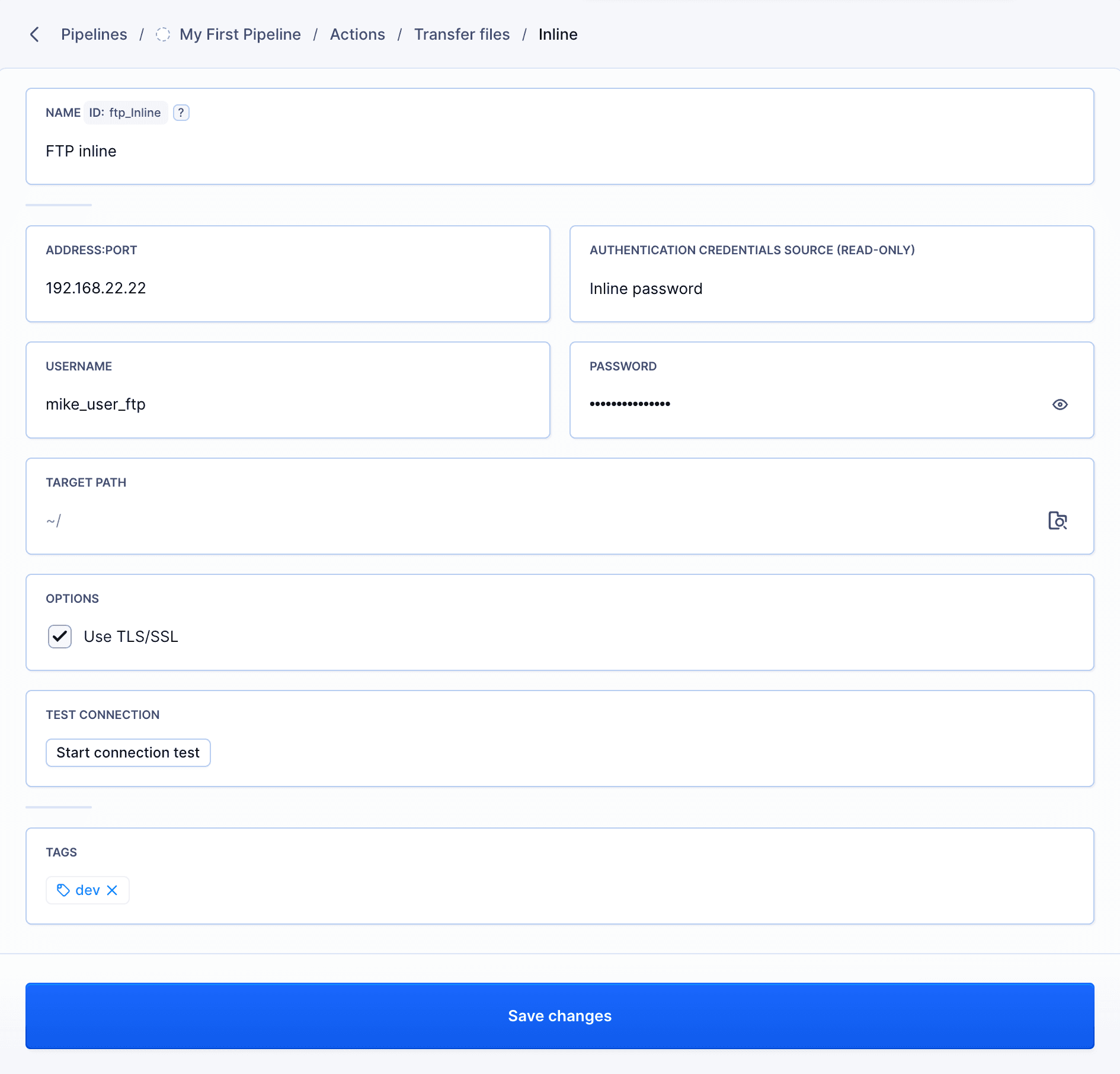
Last modified on May 19, 2026