GitLab CI vs Jenkins
The smart alternative to GitLab & Jenkins
Buddy lets your team build & deploy faster with 100+ ready-to-use actions and script-free configuration.
Visualized pipeline configuration
10-minute setup
Supreme performance
No maintenance
GitLab CI vs Jenkins vs Buddy
FTP deployment
Limited / Plugin
Limited / Plugin
SFTP deployment
Limited / Plugin
Limited / Plugin
Manual deployment approval
Paid extra
Sandboxes (dynamic test environments)
AI coding agent actions (Claude Code, Codex, Gemini CLI)
Paid extra
Limited / Plugin
Terraform drift detection with plan approval
Limited / Plugin
Limited / Plugin
Database testing and services
Limited / Plugin
Artifacts support
Multi-repo pipeline support
Dependency caching
Limited / Plugin
Limited / Plugin
Docker layer caching
Limited / Plugin
Dedicated support for Android builds and deploy
Dedicated support for iOS builds and deploy
Trusted by the world's leading engineering teams
A fully integrated developer suite
Git
AI Agents
Containers & IaC
Cloud
IaaS & PaaS
Build Tools & Task Runners
Tests
Databases
Collaboration
Monitoring & Performance
CI/CD made smart
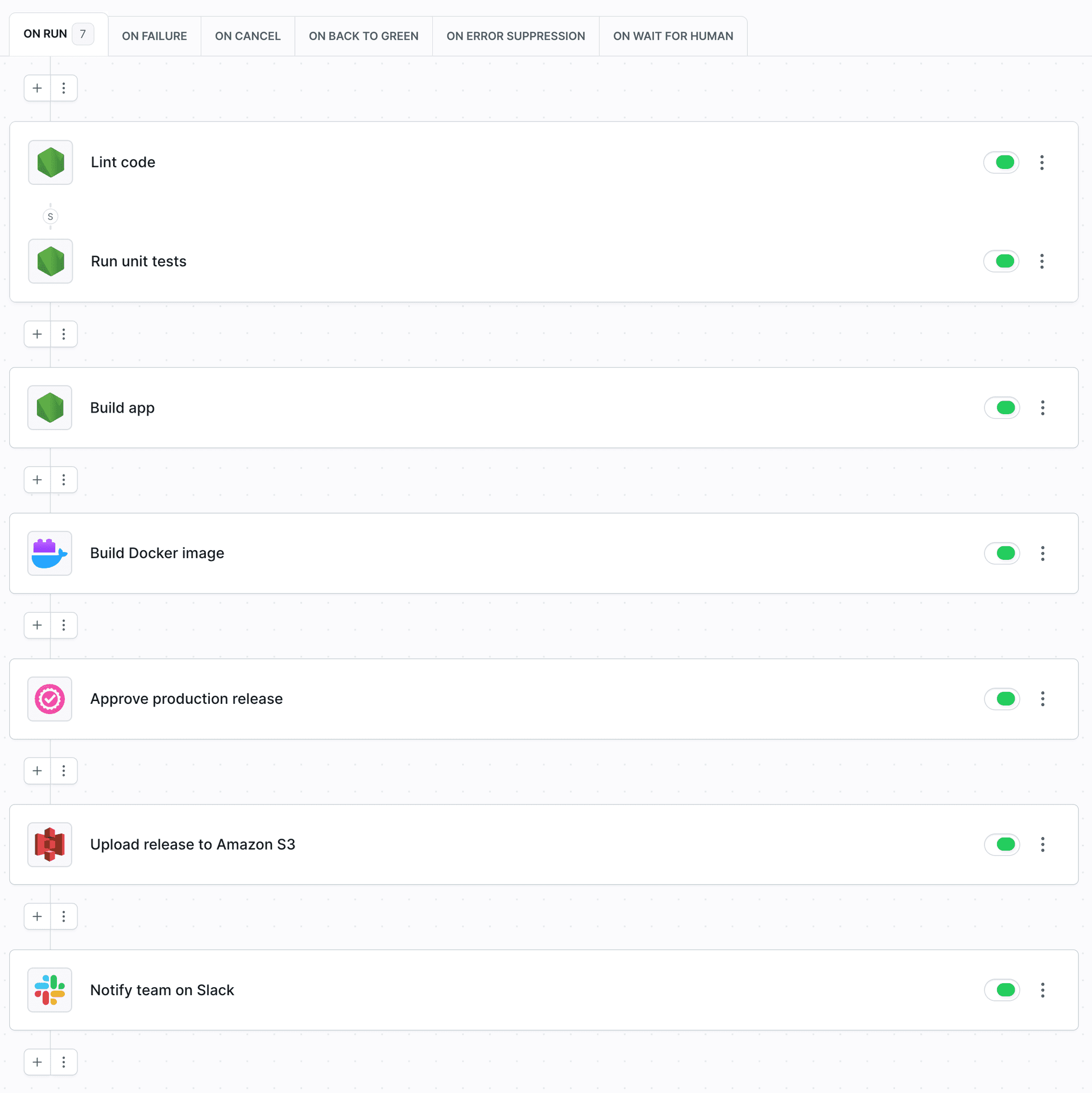
Work smarter
Save money
Intuitive UI/UX allows any developer on the team to create and manage pipelines – no need to hire a full-time DevOps engineer to manage your pipelines.
Flexibility
Frontend, backend, full-stack, QA, DevOps, mobile, Kubernetes – Buddy covers all the bases of software development.
Dynamic test environments
Stage websites directly from Git and get instant feedback from your clients. Iterate faster to release more software in shorter time.
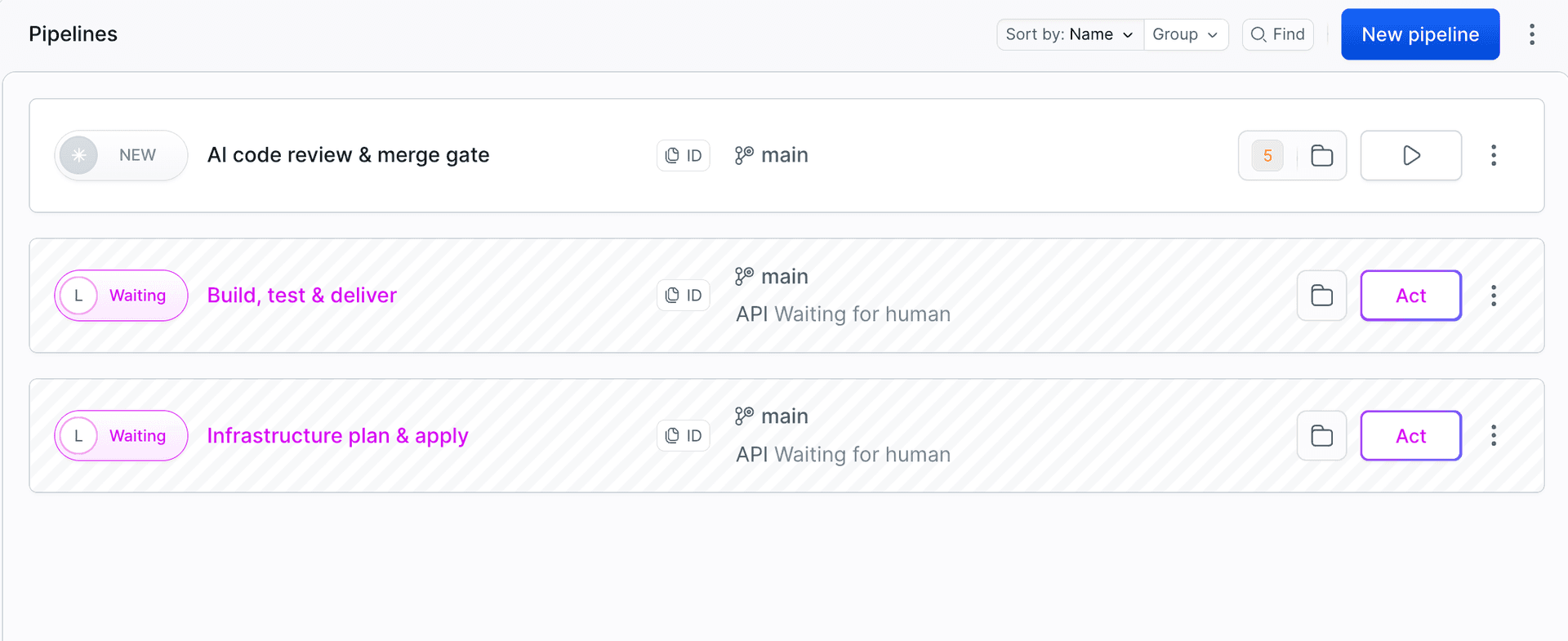
Iterate faster
Changeset-based deployments
Buddy cuts down on deployment time by uploading changed files only – no need to deploy the whole repository on every update.
Dependency caching
Dependencies and Docker layers stay cached in the container, massively reducing execution time.
Top Support
Solve issues on-the-fly with appealing documentation & responsive engineer support.
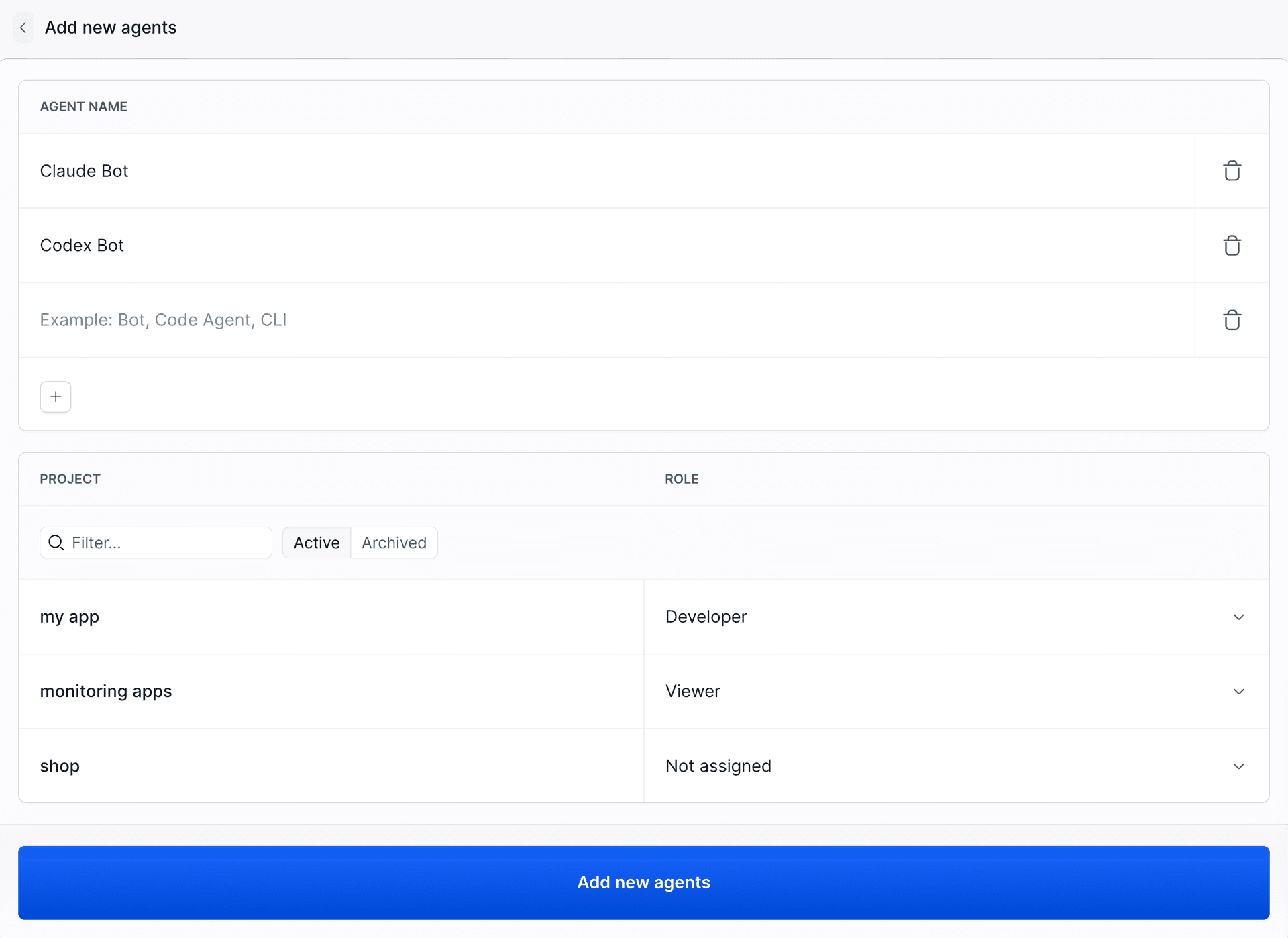
Reduce the risk
Certified secure
Buddy is SOC2 certified and runs on PCI-compliant AWS architecture, with regular audits by SecurityMetrics.
Read more on Buddy security.Custom permissions
Manage pipeline and workspace access for your team members and enforce approval requirement for specific executions. AI agents get their own accounts with project-level roles, just like team members.
2FA & IP restrictions
Force two-factor authentication & restrict workspace access to specific IP addresses.
“As an alternative to Jenkins, Buddy is just so much better. It's easy to setup and creating pipelines is really smooth. The UI is beautiful and fast! I'm never going back to Jenkins!”
Drew Dulz
Developer
Need more proof?
- 207+ reviews
"Buddy has one of the fastest CI that's I've worked with. Spinning up a task takes seconds at most. We saved several minutes on each task by switching to Buddy from GitLab pipelines."
Andrew F
Developer
- 176+ reviews
"Buddy makes it ridiculously easy to build and maintain complex CI/CD pipelines. It is a complete platform that's also very simple to use, so simple that setting up any new pipeline usually takes ten minutes tops."
Guilherme P.
Site Reliability Engineer
- 54+ reviews
"By far one of the best CI systems in my opinion. It's amazing how hard it can be to find dev tooling that has a nice interface to go with it, so I greatly appreciate the time Buddy spent getting that part right."
Josh Kleveter
Developer
Frequently Asked Questions
Why should I pay for Buddy when Jenkins & GitLab are free?
To ship more software faster without involving a DevOps team to configure and maintain the process. In Jenkins, a single delivery pipeline can take up to 9-10 hours to set up by a dedicated engineer, which directly adds to the costs.
In Buddy, any developer can create a complete process in 15 minutes, including build preparation, deployment, and system notifications. Plus, if you use GitLab, you can always use Buddy on top of your GL repos.Does Buddy support YAML configuration?
Yes, all scripting lovers can configure the process top to bottom as code by following our pipeline building schema. Alternatively, you can set up the pipelines in the GUI and save the configuration as code for safekeeping in the repository.Does Buddy support plugins like Jenkins?
No, in Buddy every task and integration is transcribed into an action. For example, if you select Node, Buddy launches a container with preinstalled Node in the selected version. If you select deployment to AWS S3, Buddy will ask you to perform a one-time integration with Amazon Web Services, and then you simply select the bucket to which you'll upload the files. There's no need to maintain and update plugins manually, as Buddy always keep everything secure and up to date.What about Docker & Kubernetes?
Docker is the cornerstone of Buddy. In fact, all builds and commands are run in isolated Docker containers. This removes engineer-specific builds risks, as all developers are using exactly the same build environment. You can also build custom images from Dockerfiles and push them to Docker Hub, Amazon ECR, Google GCR, or any private Docker registry. On top of that, Buddy lets you orchestrate containers on Kubernetes clusters, including Google Kubernetes Engine, Amazon EKS, Azure AKS, and DigitalOcean Kubernetes hosting.