GitLab CI alternative
The GitLab alternative that your team deserves
Buddy is a fully-featured DevOps platform with no learning curve that packs everything you need from a CI/CD tool.
10-minute configuration
Flexible delivery pipelines
Supports GitLab repos
SOC2 certified
Buddy CI/CD vs GitLab CI
FTP deployment
Limited / Plugin
SFTP deployment
Limited / Plugin
Manual deployment approval
Paid extra
Sandboxes (dynamic test environments)
AI coding agent actions (Claude Code, Codex, Gemini CLI)
Paid extra
Terraform drift detection with plan approval
Limited / Plugin
Database testing and services
Artifacts support
Multi-repo pipeline support
Dependency caching
Limited / Plugin
Docker layer caching
Dedicated support for Android builds and deploy
Dedicated support for iOS builds and deploy
Trusted by the world's leading engineering teams
Integrates with your favorite tools
Git
AI Agents
Containers & IaC
Cloud
IaaS & PaaS
Build Tools & Task Runners
Tests
Databases
Collaboration
Monitoring & Performance
The fastest way to delivery automation
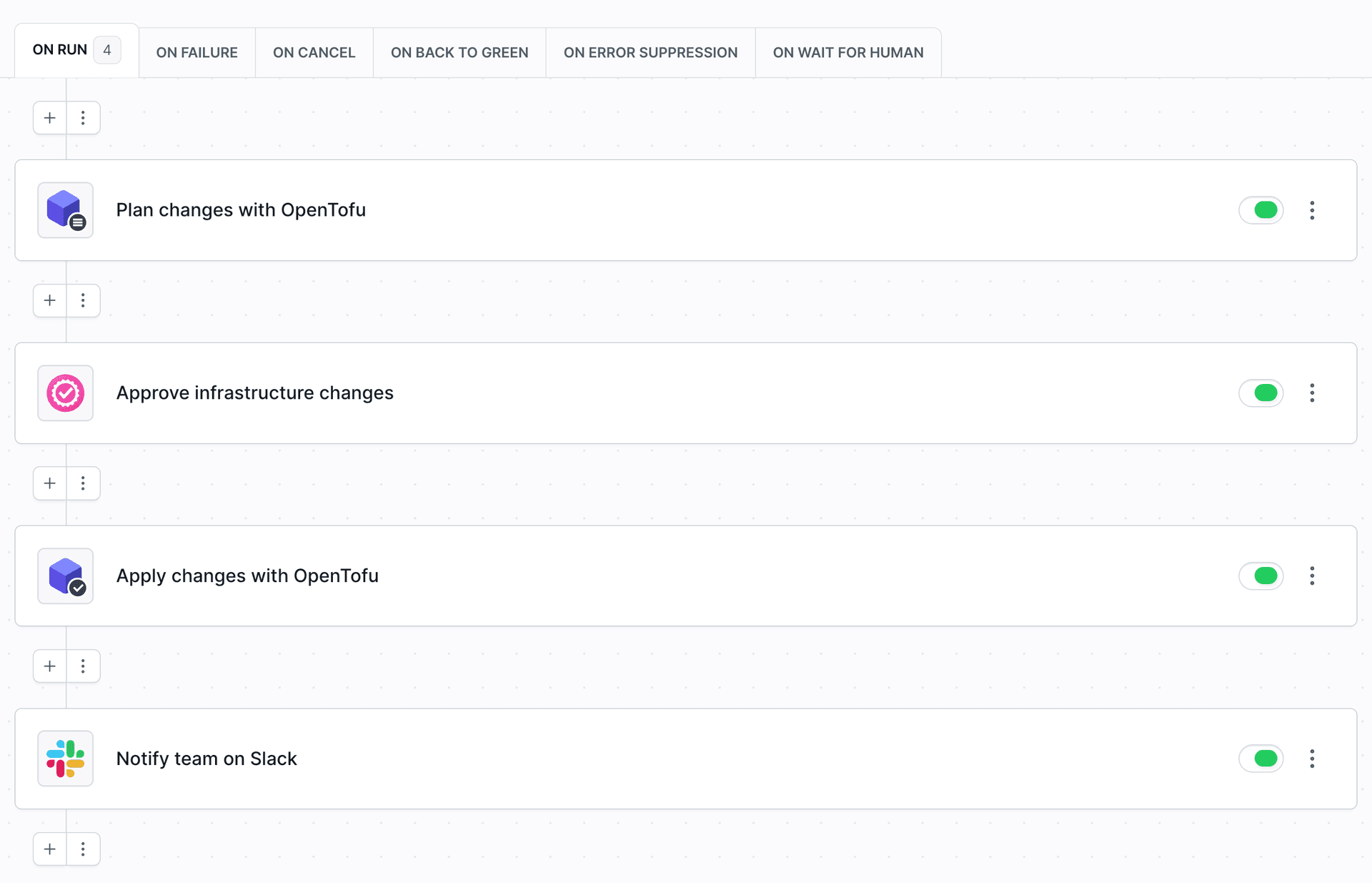
Turn DevOps to NoOps
Ease of use
Configure delivery pipelines in a visual editor, or switch to YAML whenever you prefer code.
Works with your stack
Build, test and deploy apps and websites with over 100 actions and zero scripting.
No maintenance required
Set it and forget it. Update pipelines in a few clicks, with no servers or plugins to maintain.
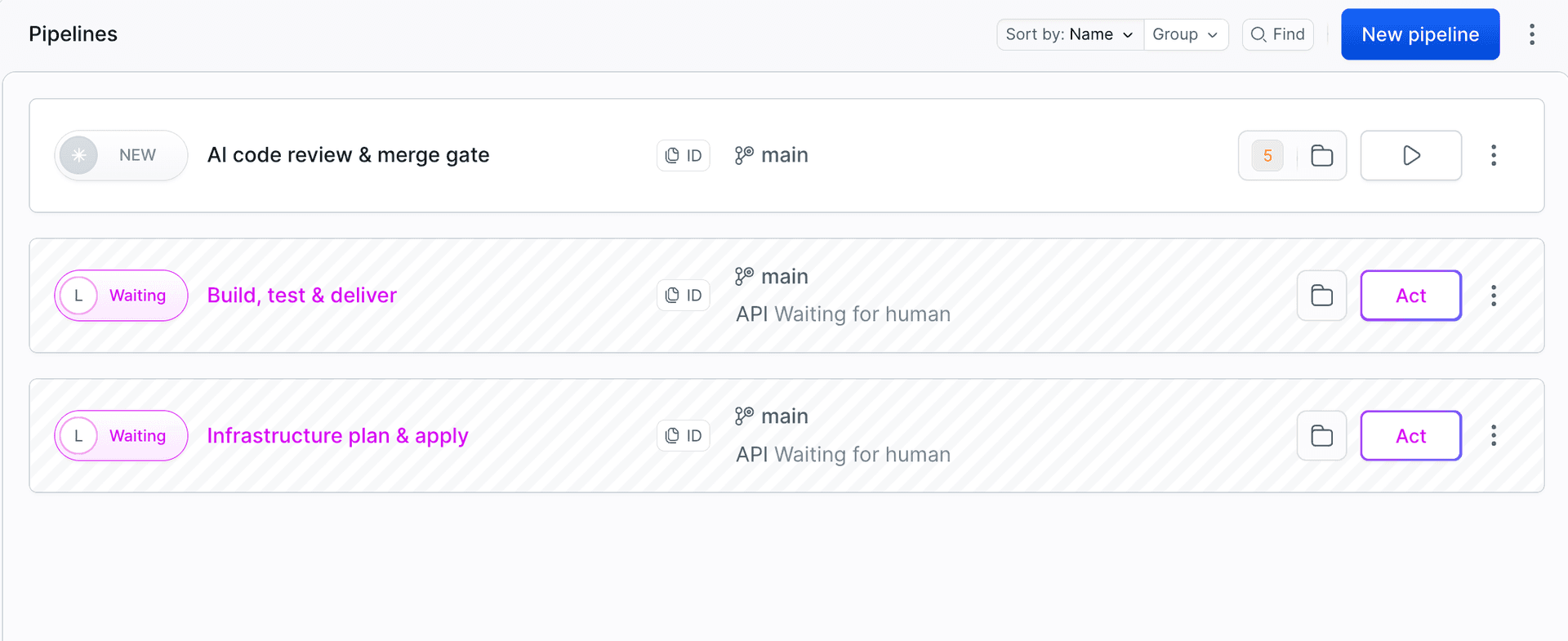
Iterate faster
Full CI/CD package
From serverless deployment to Docker and Kubernetes, Buddy supports every modern tech and framework.
Speed
From caching to deployment mechanisms, every inch of Buddy is optimized for performance.
Sandboxes
Preview websites in dynamic staging environments launched directly from Git.
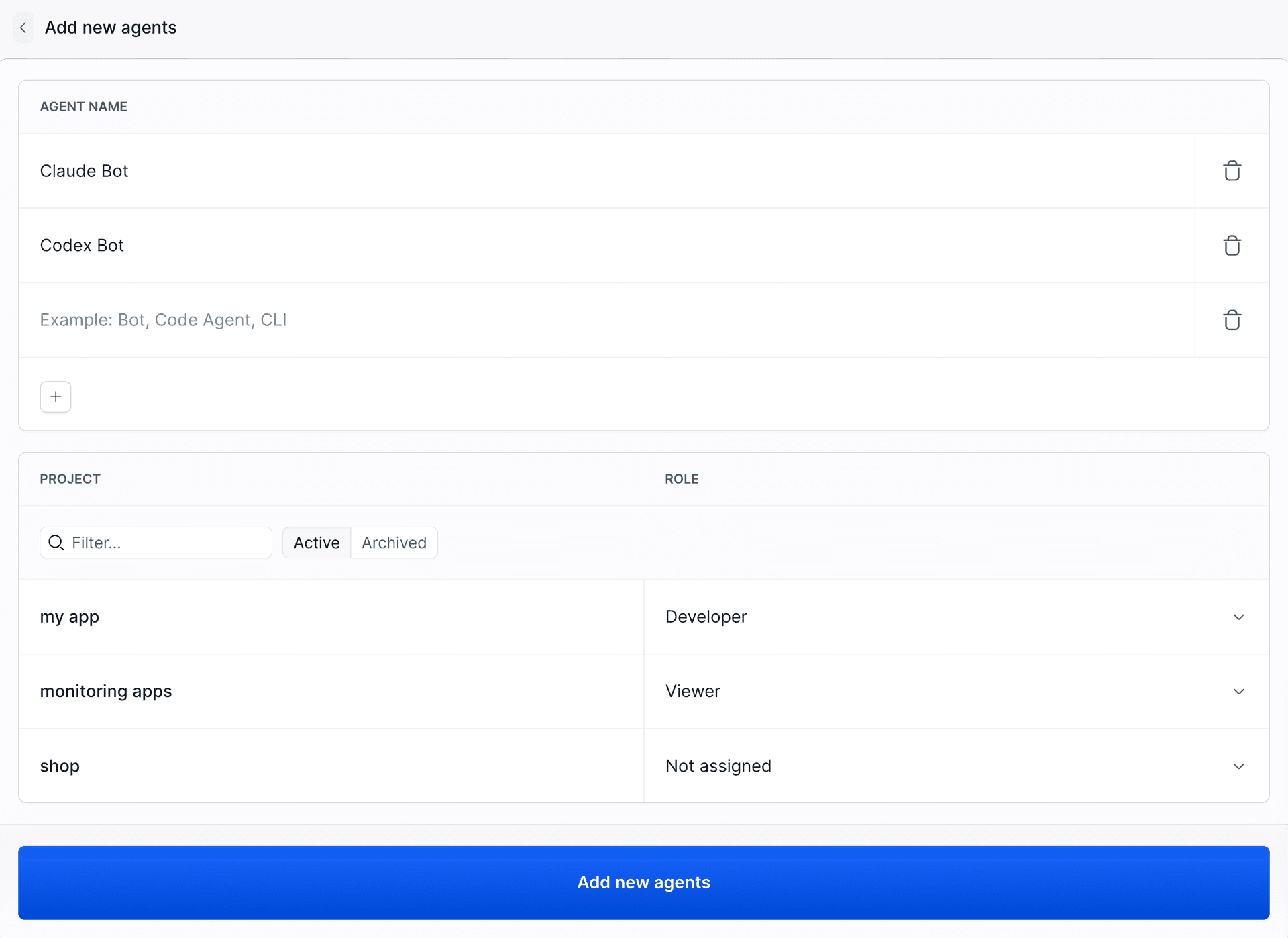
Reduce the risk
Certified secure
Buddy runs on PCI-compliant architecture and is officially SOC2 certified.
Pipeline permissions
Custom permissions let you precisely define who is allowed to run the pipelines and when. AI agents get their own accounts with project-level roles, just like team members.
2FA & IP restrictions
Force two-factor authentication & restrict workspace access to specific IP addresses – at no extra charge.
“Buddy has one of the fastest CI that's I've worked with. Spinning up a task takes seconds at most. We saved several minutes on each task by switching to Buddy from GitLab pipelines.”
Andrew F.
Developer
Need more proof?
- 207+ reviews
"It is incredibly simple to configure, but can do nearly everything you need it to. You can choose between an intuitive interface or use YAML to configure your pipelines. It supports integration with plenty of services out of the box."
Kevin L
Software Developer
- 176+ reviews
"Buddy has saved me a ton of time over the few years, building and deploying websites to a number of different servers and services and I honestly couldn't be happier."
Tom T.
Director
- 54+ reviews
"Super simple to set up, fast builds, and intuitive interface. Using various CI tools daily, I find Buddy to be the easiest option for onboarding new team members due to the GUI approach to displaying actions and builds."
Marc Qualie
Software Engineer
Frequently Asked Questions
How is Buddy different from other CI/CD tools?
The main difference is the unique UX that allows you to click up the whole delivery process in the UI instead of manually scripting it. This way, you and everybody on your team can configure and update pipelines in a couple of minutes without assistance from a dedicated DevOps engineer.Does Buddy work with GitLab repositories?
Yes, you can hook up your existing GitLab repos and use Buddy as a build server and deployment tool without moving your code. The tool also works with GitHub, Bitbucket, and custom Git repositories.Can I deploy to cloud services like AWS or Google Cloud?
Yes, Buddy integrates with all popular SaaS and PaaS, including Amazon Web Services, Google Cloud, DigitalOcean, Microsoft Azure, or Shopify.Does Buddy support mobile development?
Yes, Buddy provides full support for Android pipelines as well as the recently added iOS builds.Does Buddy support YAML configuration?
Yes, all scripting lovers can configure the process top to bottom as code by following our pipeline building schema. Alternatively, you can set up the pipelines in the GUI and save the configuration as code for safekeeping in the repository.How does GitLab CI compare with CircleCI?
If you are choosing between GitLab CI and CircleCI, see the CircleCI vs GitLab CI comparison, which puts both tools side by side with Buddy. All comparisons are listed on the compare page.