Jenkins vs CircleCI
The new smarter alternative to CircleCI & Jenkins
Buddy helps teams adopt DevOps at amazing speed with script‑free configuration and 100+ developer actions.
10-minute configuration
Free dependency cache
Full Docker & Kubernetes support
Supreme performance
Buddy CI/CD against CircleCI vs Jenkins
FTP deployment
Limited / Plugin
Limited / Plugin
SFTP deployment
Limited / Plugin
Limited / Plugin
Manual deployment approval
Sandboxes (dynamic test environments)
AI coding agent actions (Claude Code, Codex, Gemini CLI)
Limited / Plugin
Limited / Plugin
Terraform drift detection with plan approval
Limited / Plugin
Limited / Plugin
Database testing and services
Limited / Plugin
Artifacts support
Multi-repo pipeline support
Dependency caching
Limited / Plugin
Docker layer caching
Paid extra
Limited / Plugin
Dedicated support for Android builds and deploy
Dedicated support for iOS builds and deploy
Trusted by the world's leading engineering teams
Every integration a developer needs
Git
AI Agents
Containers & IaC
Cloud
IaaS & PaaS
Build Tools & Task Runners
Tests
Databases
Collaboration
Monitoring & Performance
CI/CD that your dev team will love
Plug & Play
10-minute configuration
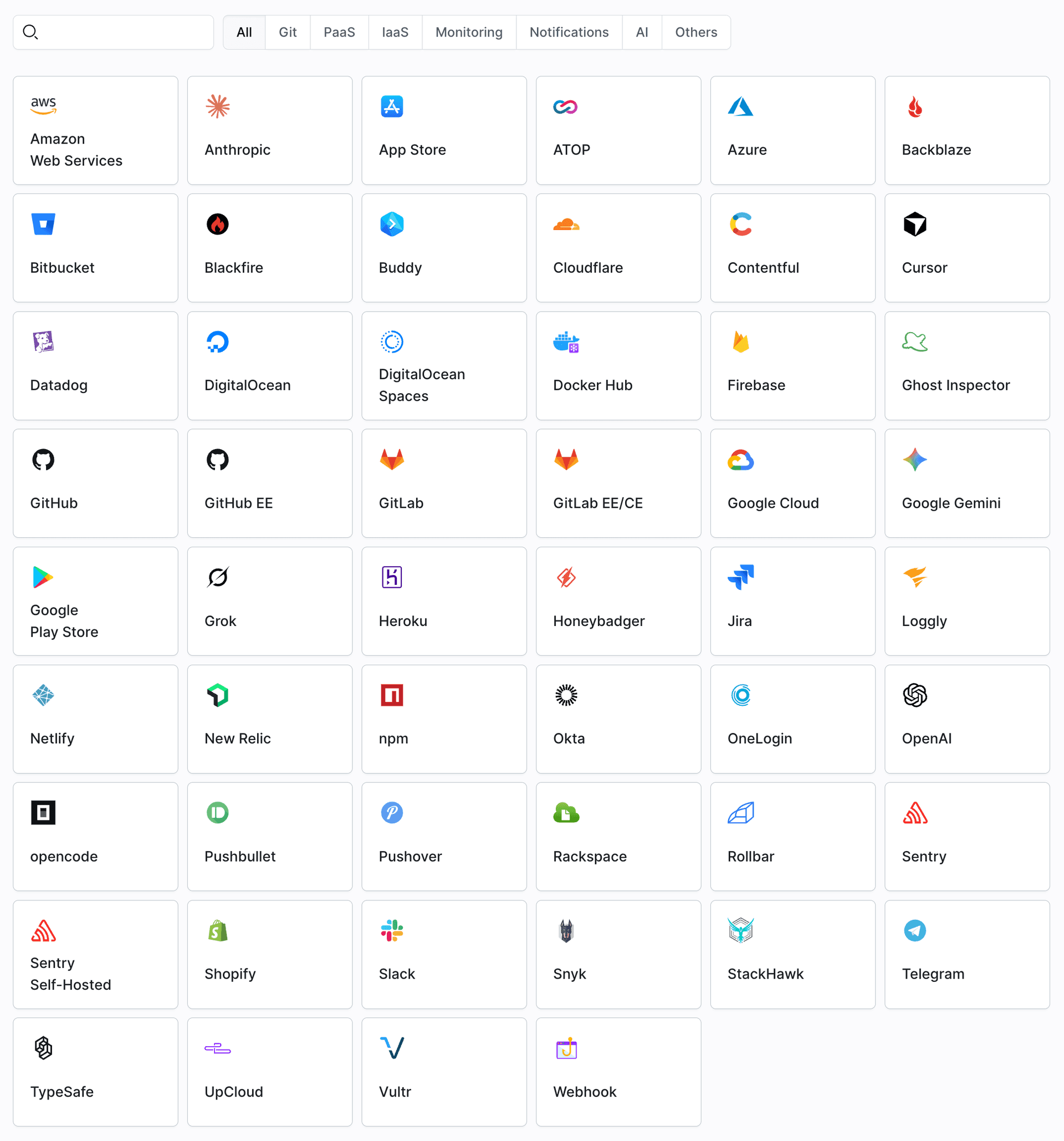
Buddy integrates with all popular cloud services with no extra plug-ins, including AWS, Google Cloud, Microsoft Azure, DigitalOcean, Netlify, Slack & Telegram.
Over 50 integrations
Automate your workflow with a vast library of deployment, IaaS, build and monitoring actions
Works with your stack
Regardless if you’re a Java developer, a Node-ninja, or a Docker enthusiast, Buddy supports all modern frameworks and techs, including Android and iOS.

Performance
Faster builds
All dependencies are downloaded only once and stay cached in the container, massively reducing pipeline execution time.
Faster deployments
Buddy cuts down on deployment time by uploading changed files only – no need to deploy the whole repository on every update.
Docker caching in price
Building Docker images is faster, as existing layers are cached by default in the filesystem at no additional cost.
Full YAML support
Progress tracking
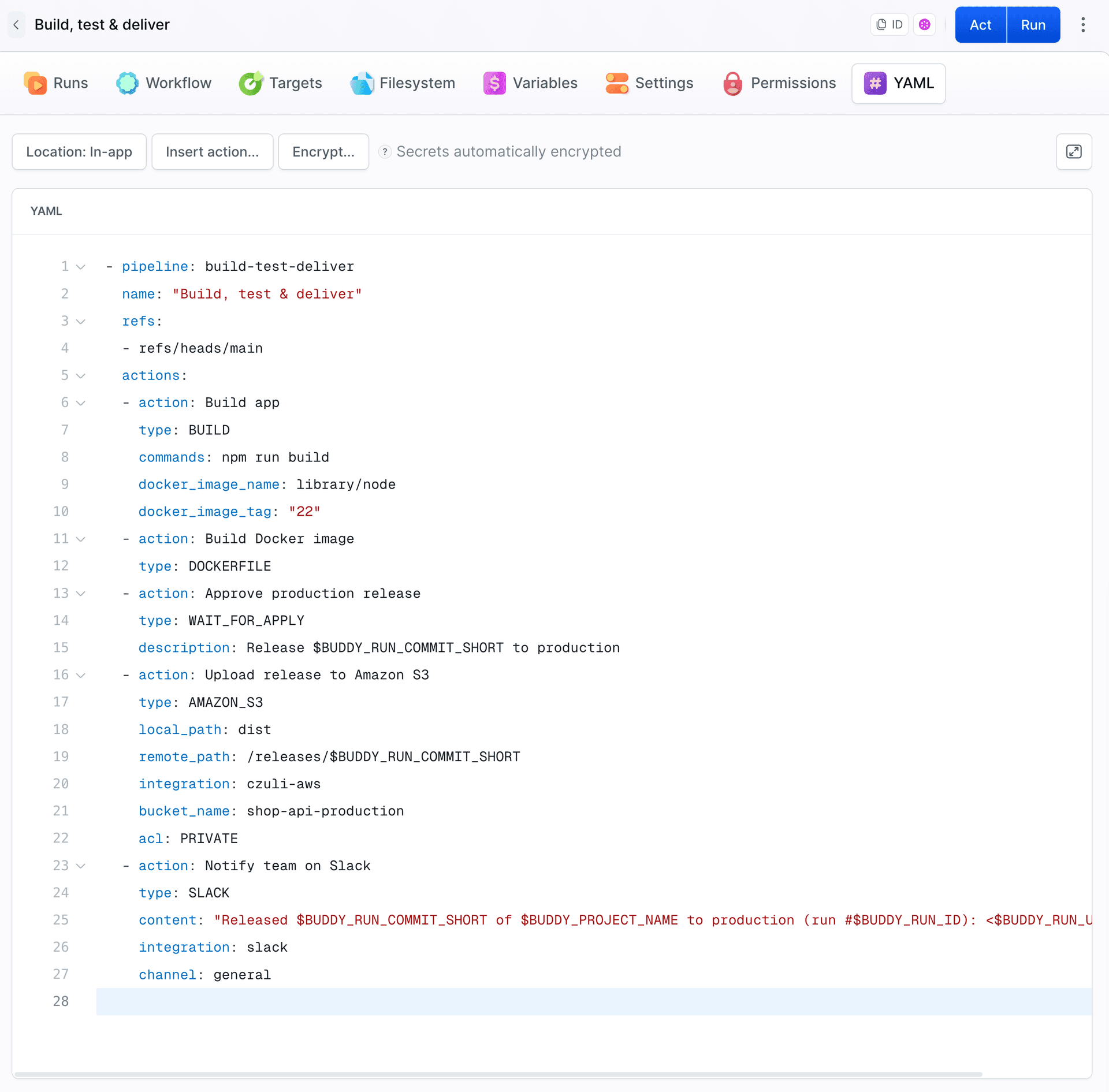
Store configuration as code in the repository to track the development of your CI/CD process.
Easy switch
Switch between GUI and YAML on-the fly in a single click.
Simplified configuration
Configure pipelines in Buddy’s UI and export configuration to read-to-use YAML files.
“It was easier, and faster to migrate all our builds to Buddy than it was to set up a single new build on CircleCI. They have a phenomenal UI, where I can manually trigger builds. Their Docker and caching integration is first class, and builds are insanely fast. There is no minute waiting time if I want to use Docker builds.”
Rik Nauta
Co-founder of @Donna
Need more proof?
- 207+ reviews
"The pipeline-building user interface is great. It's really intuitive and means I won't have to wrestle with any more YAML pipeline configurations. After trying CircleCI and BitBucket pipelines it's refreshing to be able to set up automated deployment so easily!"
Karl M.
Web Developer
- 176+ reviews
"Buddy makes it ridiculously easy to build and maintain complex CI/CD pipelines. It is a complete platform that's also very simple to use, so simple that setting up any new pipeline usually takes ten minutes tops."
Guilherme P.
Site Reliability Engineer
- 54+ reviews
"Buddy's UI is the most intuitive of any CI/CD tool that I've tried. It's simple to set up new projects and pipelines without needing to add a configuration file. I have personal experience with Jenkins, Semaphore, CircleCI, Bitbucket Pipelines, DeployBot, and DeployHQ; Buddy is the best by far."
Tim Jensen
Developer
Frequently Asked Questions
Is Buddy secure?
Yes. Buddy runs on PCI-compliant architecture and is officially SOC 2 Type 2 certified, following the long-term appliance of AICPA trust service principles. More details on Buddy security measures are covered here.Why should I use UI instead of YAML? I love YAML!
First of all, the UI is fully optional and you can stick to code configuration from the very beginning if you wish. Everything is covered in the documentation. Secondly, you can configure the pipeline in the UI and automatically export your settings to YAML to save time. Lastly, you can switch between both modes in a click to the decision is never fixed.Does Buddy support plugins like Jenkins?
No, in Buddy every task and integration is transcribed into an action. For example, if you select Node, Buddy launches a container with preinstalled Node in the selected version. If you select deployment to AWS S3, Buddy will ask you to perform a one-time integration with Amazon Web Services, and then you simply select the bucket to which you'll upload the files. There's no need to maintain and update plugins manually, as Buddy always keep everything secure and up to date.Do you have a free plan on Buddy?
Yes. The Free plan includes 1 seat, 2 concurrents, $1 of monthly usage credit for compute and storage, and 1 GB of pipeline cache. When you need more, upgrade to Pro or Team and pay only for the usage you consume. All new accounts start with a 14-day trial with $5 of usage credit and all Team features unlocked. See the pricing page for details.